Push Help Center
Ready to help
Ingesting events using SentinelOne
Configure SentinelOne to allow for ingesting Push webhook logs. You'll need the following information from SentinelOne to get started:
Ingest URL
Authorization token
Account ID (e.g. site ID)
Identify your ingest URL
Your ingest URL should follow the pattern of https://ingest.us1.sentinelone.net, where us1 is the deployment region that hosts your SentinelOne console. To find the URL for your data center, see Required services and ports for Console communication.
Generate an authorization token
In your SentinelOne console, go to Policies and settings > Service users and create a new service user.
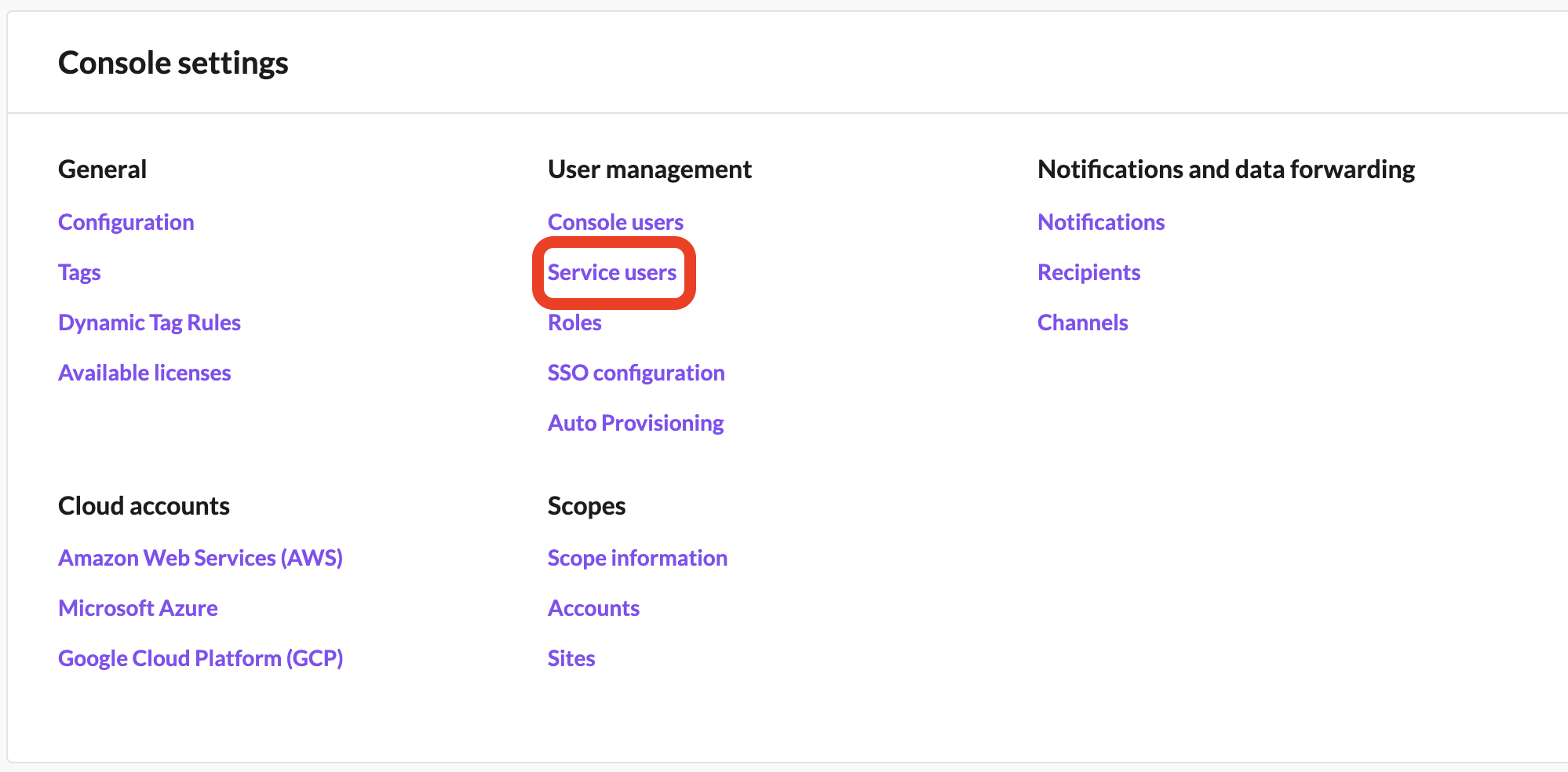
Select New service user and complete the details required. Note the API token value that is generated.
When you create the integration in Push, you'll use this value as the Authorization token.
Find your account ID
In the S1 console, go to Policies and settings > Accounts. Select the account you wish to integrate with Push and then copy the account ID.
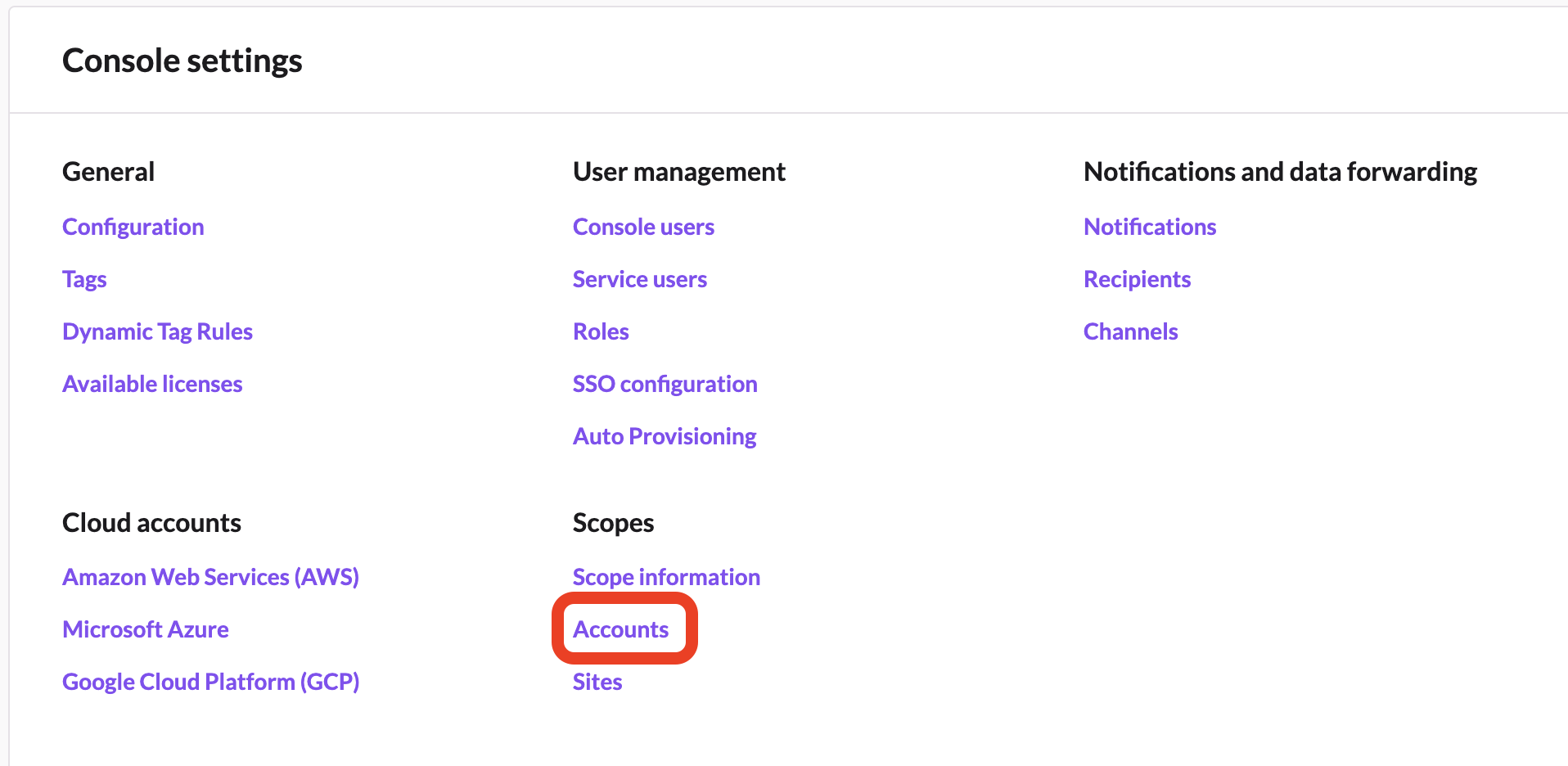
When you create the integration in Push, you'll use this ID as the Site / Account ID.
Configure the integration in Push
You can now create the integration on the Push side. In the Push admin console, go to Settings > Integrations and select the SentinelOne tile. From the slideout, enter the ingest URL, authorization token, and site / account ID.