XXEVITE
- Technique
- Credential phishing
- Sub-technique
- AitM
- Targeted platforms
- Google Microsoft
Updated · First published
Current breakthrough rate
Extreme
- Jun 2026: High
- Jul 2026: High
- Aug 2026: High
- Sep 2026: Extreme
XXEVITE is a phishing tool typically delivered using fake online invitation / greeting card lures. It's part of a toolkit that predominantly targets Google account credentials, but also offers credential capture for other email providers and malware downloads for Windows recipients.
XXEVITE delivered with a Paperless Post invitation
The tool appears to operate as a manual relay with credentials being sent to the attackers in Telegram messages. After password entry, the victim is presented with a loading screen waiting to be redirected to the next authentication step when instructed by the attackers. No login attempts to Google automatically occur during this time suggesting that the attackers must manually enter the credentials before prompting the victim to proceed with second factor authentication.
Push named this tool after the email address that was left in the cloned password entry page (xforgexxcoder22[@]gmail[.]com)
combined with the frequent use of e-vite lures.
Fake invitations and more
In the majority of cases, XXEVITE has been delivered using a fake online invitation as a lure. Impersonating brands such as Paperless Post, Punchbowl, Greenvelope, Blue Mountain and evite. The landing pages for these lures present a list of different email providers to login with.
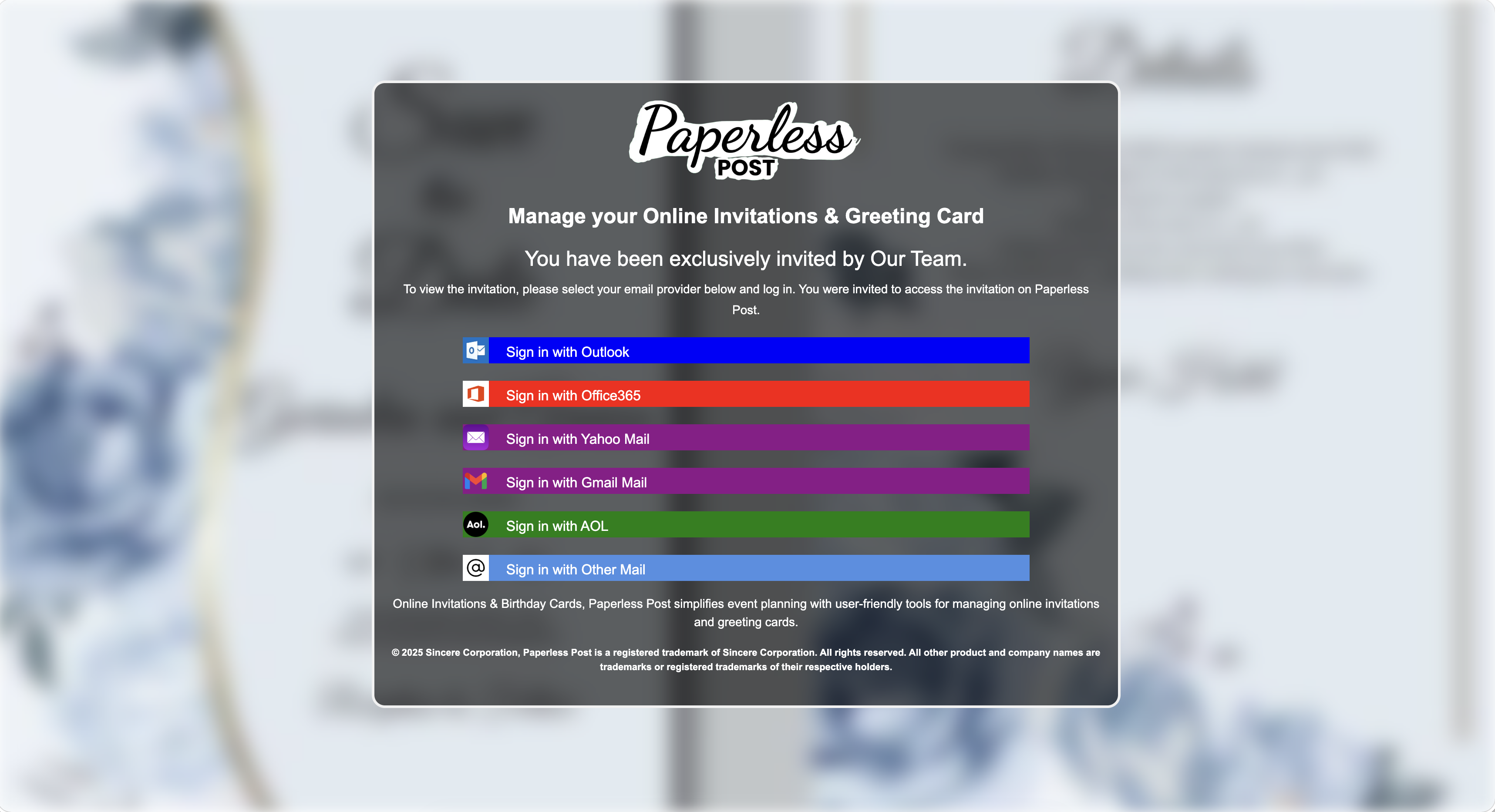
Paperless Post
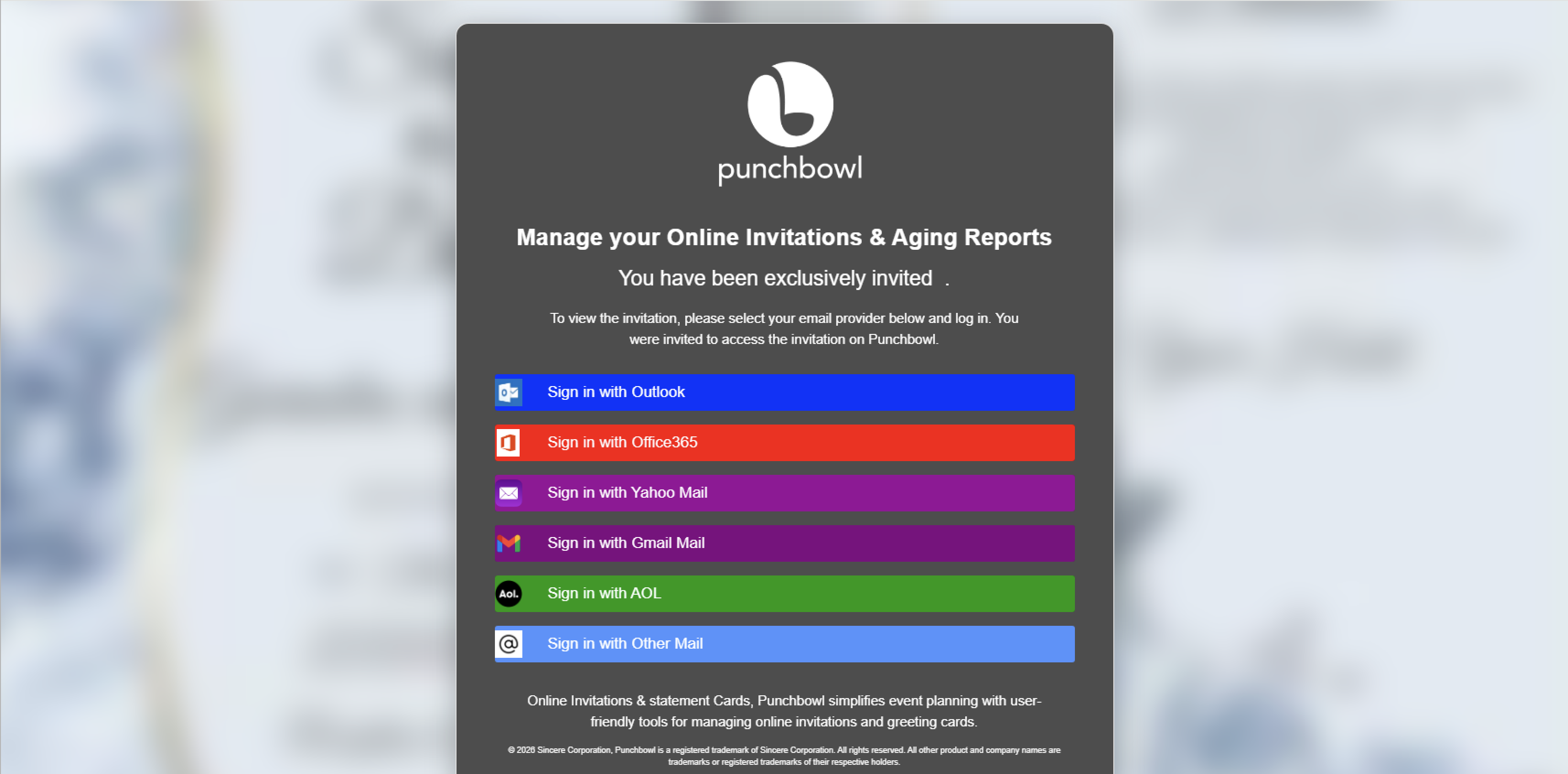
Punchbowl
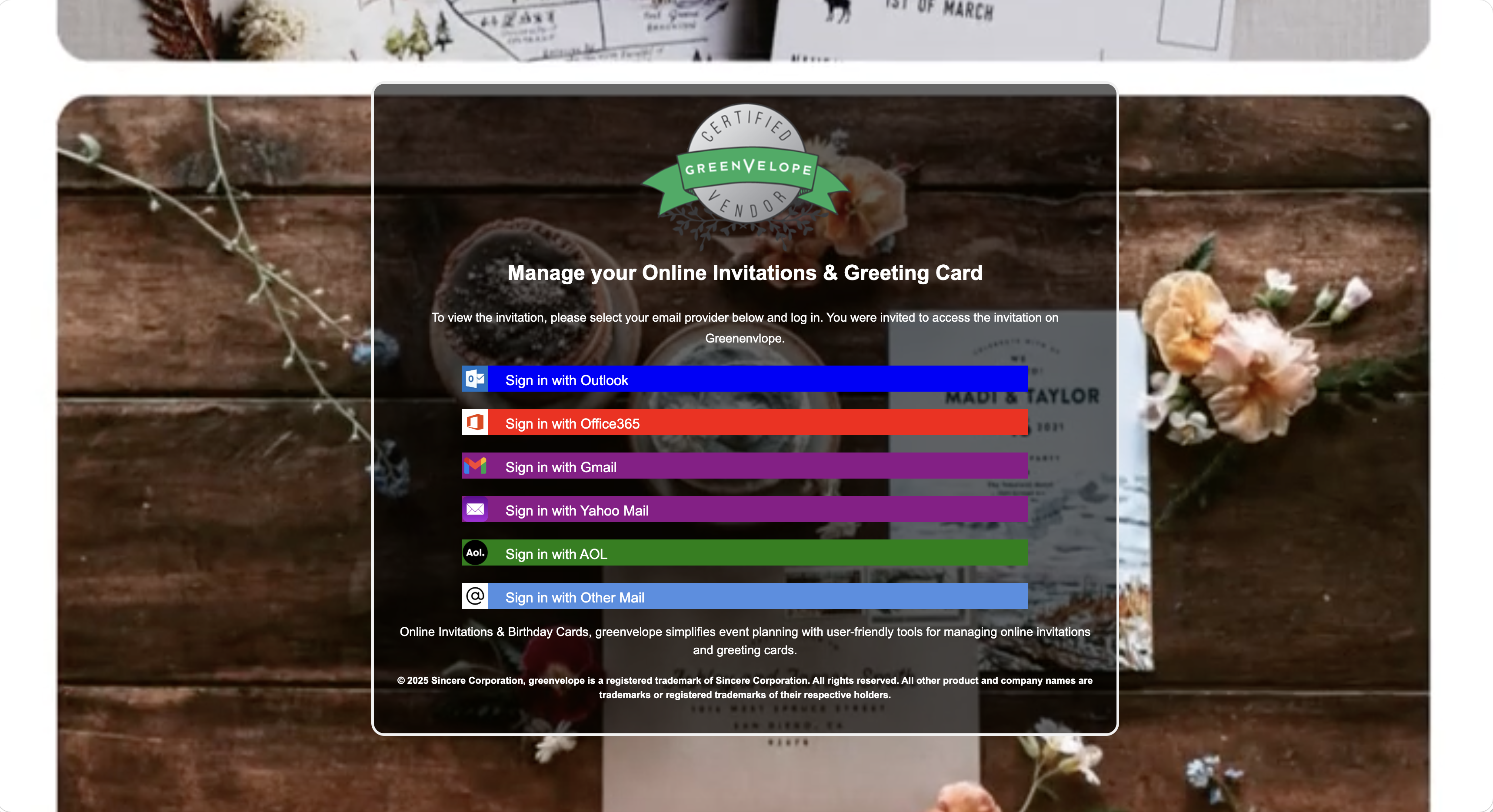
Greenvelope
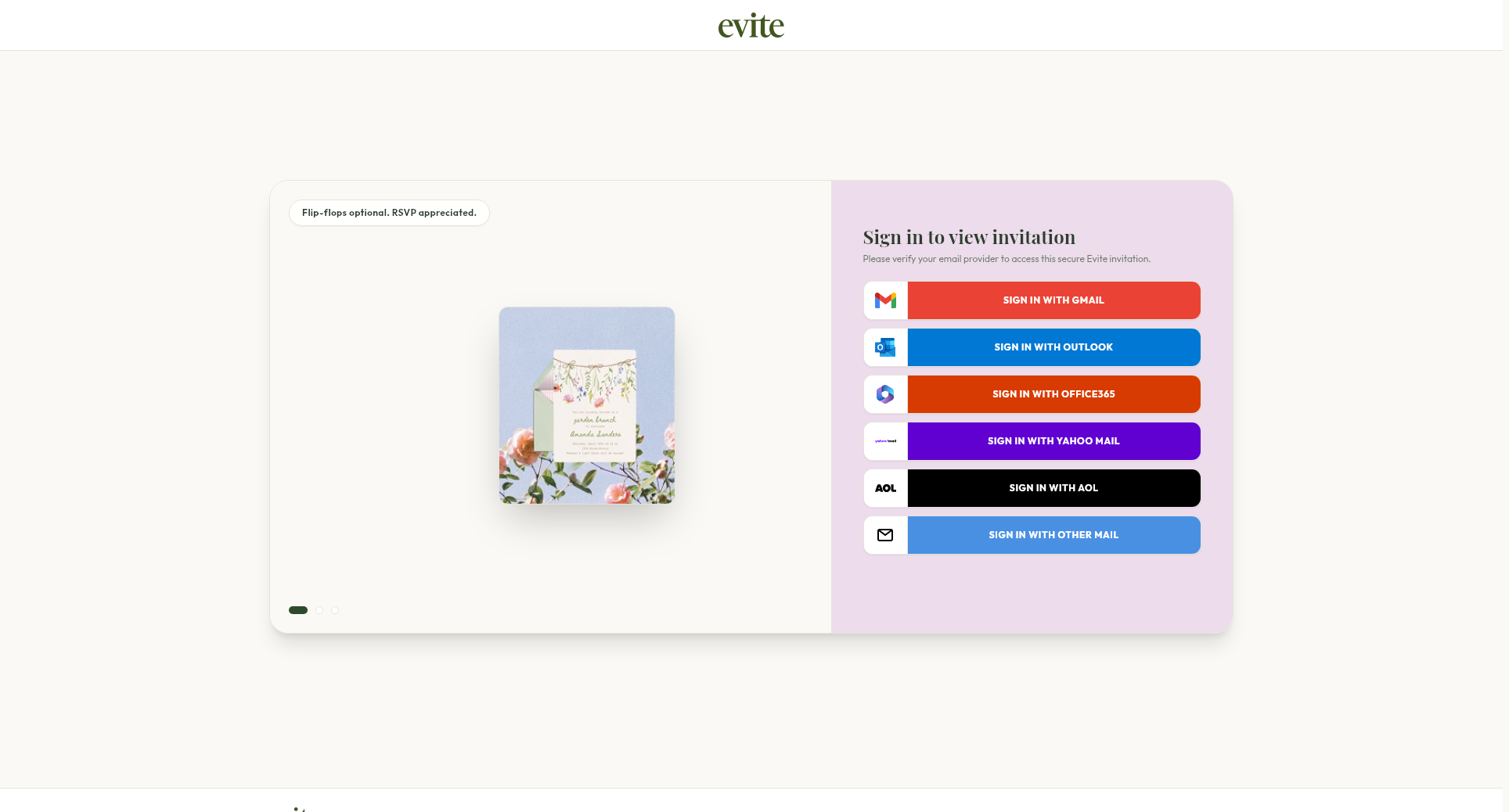
evite
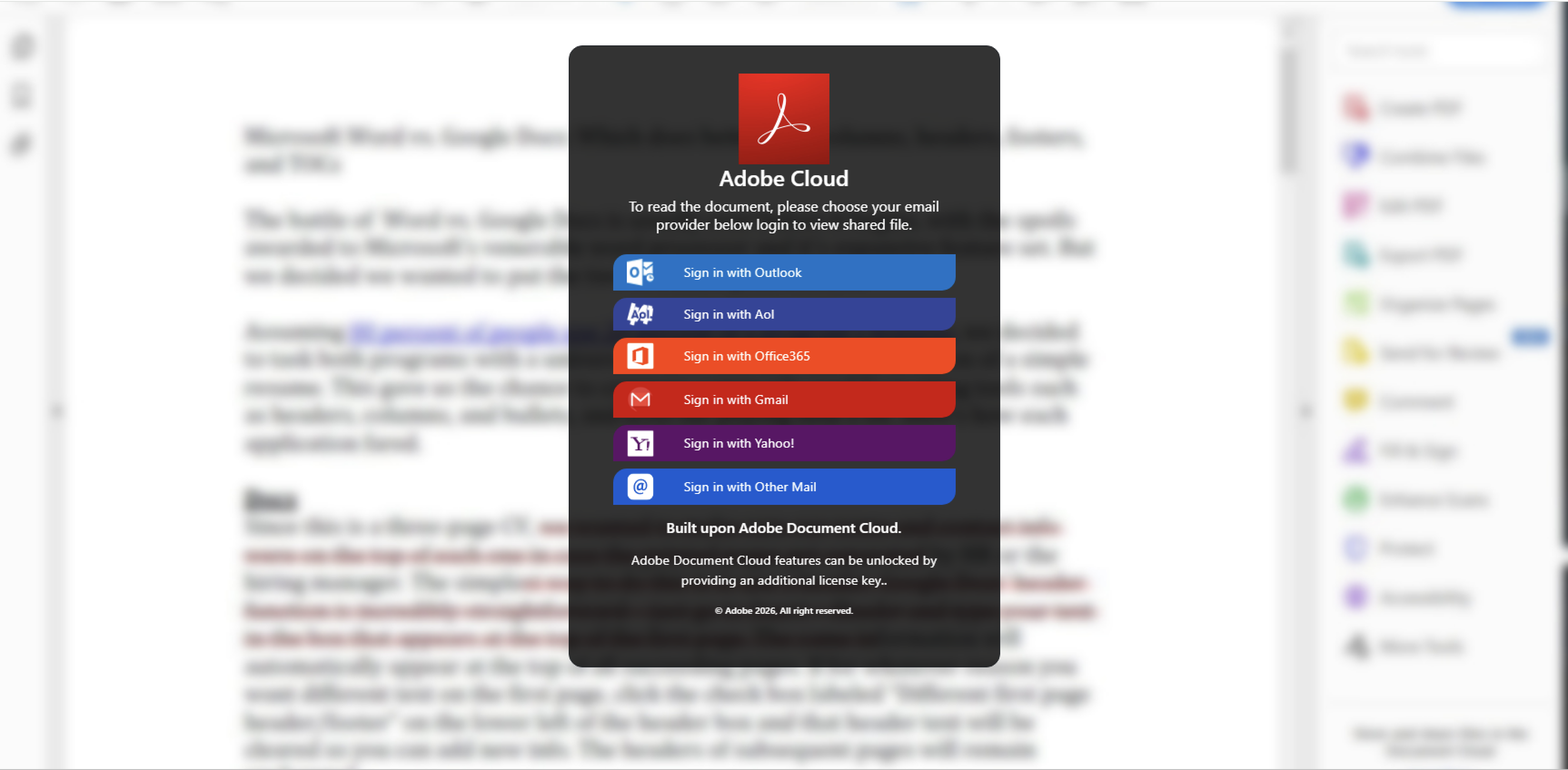
Adobe Cloud
The Google phishing template is the most sophisticated of the phishing pages that is implemented by XXEVITE. Selecting one of the other account providers will typically present a rather unconvincing credential capture pop-up with minimal branding. An example of the Microsoft Office 365 credential capture form is shown below.
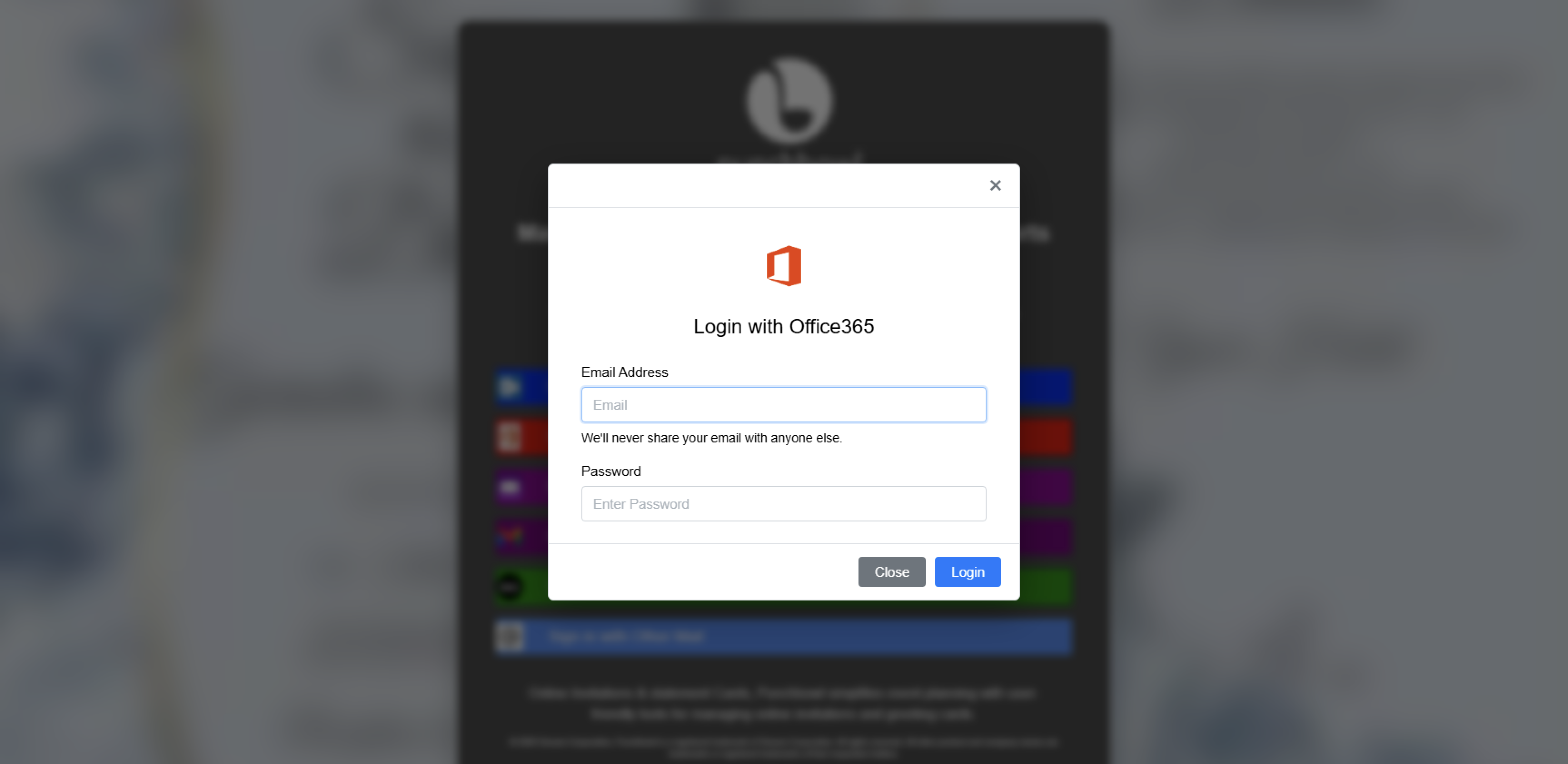
Microsoft Office 365 credential capture
Not every phishing attack using these lures results in the specific XXEVITE tool documented here. Push has detected other tools, including actual browser in the middle phishing tools that perform automatic credential relay, being used in some instances.
Malicious RMM downloads
In addition to phishing, these campaigns have also been used to mislead recipients into installing remote management software. Often a visitor using Windows will be redirected to the malicious RMM downloader. Whereas a macOS recipient will be presented with the phishing account selector and XXEVITE tool.
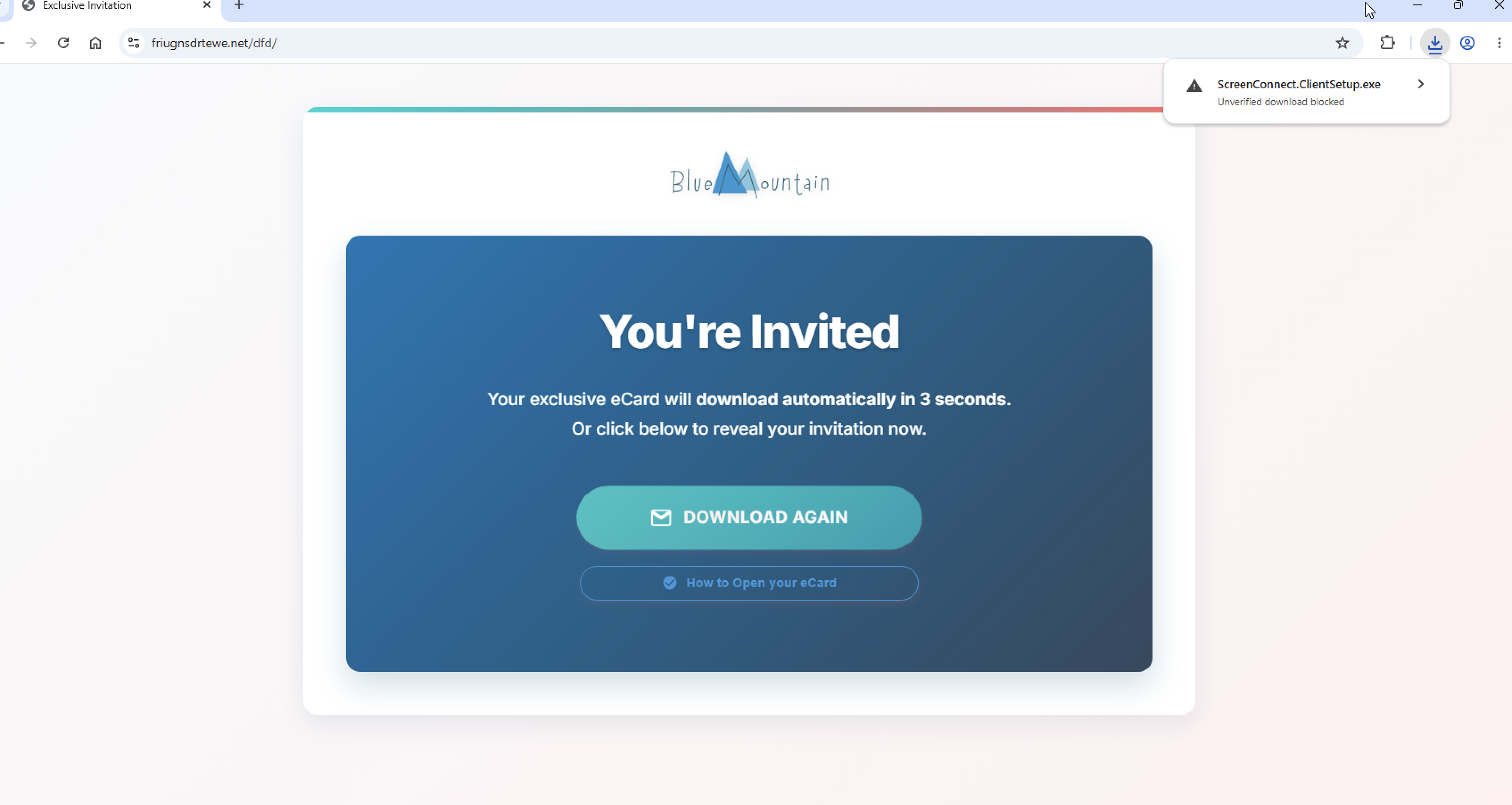
Fake invitation RMM downloader
ScreenConnect has been the most commonly abused RMM tool that Push has observed in these attacks. Though others, such as FleetDeck, have also been used.
URL patterns
Push has noted a number of deployments making use of default path segments:
/AcrobatN//accounts.google//login.microsoftonline/
Progressing through the phishing pages has the following typical flow of PHP file names:
/pass.php?id=[hex]/session/mlog.php/load.php?id=[hex]
Network traffic
The victim's email address is sent to pass.php:
POST …/pass.php?id=[hex] HTTP/1.1
fldUsername=[email]&hiddenPassword=&ca=&ct=&usi=S-233362078%3A1741544750655901&domain=®ion=US
The parameters other than fldUsername are hardcoded with values that were saved in the snapshot of the
legitimate Google login form that the developer copied.
The password is then sent to mlog.php:
POST …/session/mlog.php HTTP/1.1

fldPassword=[password]&visitor_id=[hex]
After submitting the password, the visitor is redirected to the load.php page which continuously polls
the phishing backend for redirect instructions with two different requests:
POST …/check_telegram_updates.php HTTP/1.1
Content-Type: application/json

{"visitor_id":"[hex]"}

→ ""  |  {"status":"no_updates"}  |  {"status":"success",...}

GET  …/check_json_status.php?visitor_id=[hex] HTTP/1.1
  → {"redirect":false}   …until the operator acts…
  → {"redirect":true,"redirect_url":"error.php?id=ef8cdb19…406e6d99"}