Browser security + email security
Email security catches phishing in the inbox. Phishing now arrives through LinkedIn, search ads, SMS, QR codes, messaging apps, and collaboration platforms — channels your email gateway never sees.
- Detect phishing at the browser layer, regardless of which channel delivered it
- Cover the gap between the email lure and the credential theft that happens in the browser session
- Complement your email security with browser-layer detection across every delivery channel







Half of phishing now bypasses email entirely
Email security tools — SEGs, cloud email security, API-based protection — scan inbound email for phishing links, malicious attachments, and social engineering. They're effective at this, and organizations should keep them.
But Push's detection data shows one in two phishing attacks arriving through non-email channels: LinkedIn DMs, search ads, QR codes, SMS, Teams and Slack messages, and in-app messaging. These channels bypass email security completely. Because non-email phishing rarely gets reported, industry data — which comes primarily from email security vendors — systematically undercounts the true threat volume.
Even for phishing that does arrive by email, modern campaigns defeat SEG analysis. Multi-stage attack chains start with benign URLs (Google Sites, SharePoint, Calendly) and only reveal the phishing page after several redirects and user interactions. Bot protection on the final page detects sandbox analysis and serves clean content. The attack only reveals itself to a real user in a real browser — the one environment a SEG sandbox can't replicate.
Email security sees the lure. Endpoint security sees the payload — if the attack reaches the file system at all. Neither sees the browser session where the attack actually happens.
Detect phishing at the destination, not the delivery channel
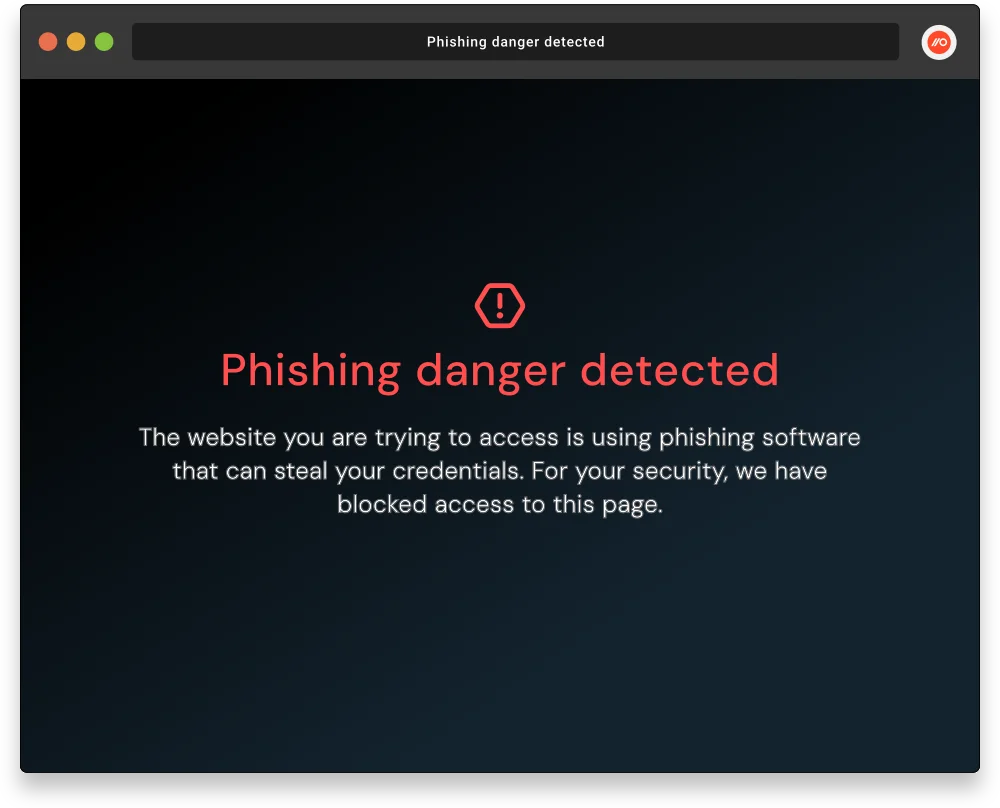
Push detects phishing at the browser layer — the rendered page where every phishing attack converges, regardless of how the user got there. Behavioral phishing detection analyzes page structure, script behavior, and credential-harvesting mechanics to catch AiTM kits, cloned login pages, device code phishing, and Browser-in-the-Browser attacks. Detection targets what the page does, not which channel delivered the link, so it covers email-delivered phishing and every non-email channel equally.
This is the architectural complement to email security. Email security scans the delivery channel and tries to prevent the click. Push analyzes the destination and stops the attack if the click happens — or if the phishing arrived through a channel email security never saw. The two layers together cover both the lure and the landing page, across every delivery channel.
Catch credential and session attacks that email security can't see
Email security's visibility into phishing stops at the URL. It can't see what happens inside the browser session after the user clicks — whether they entered credentials, whether those credentials were compromised, whether a session token was stolen, or whether an OAuth consent grant was approved.
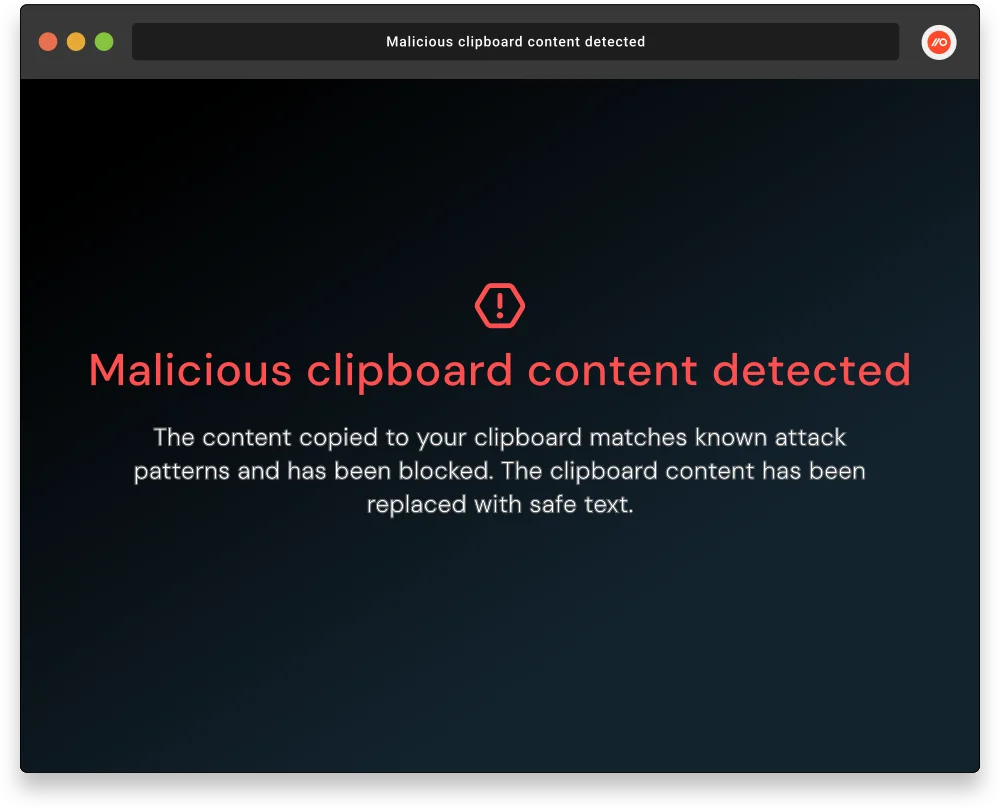
Push provides this browser-session visibility. Compromised credential detection flags breached, weak, and reused passwords at the point of login — across every application, not just those federated through the IdP. Session marker injection detects stolen token replay with deterministic proof. ClickFix detection catches malicious clipboard injection from pages that may have arrived via search, social media, or email. OAuth consent monitoring captures grant events in real time. These are all post-click attack stages that email security architecturally cannot observe.
Feed browser telemetry into your existing investigation workflow
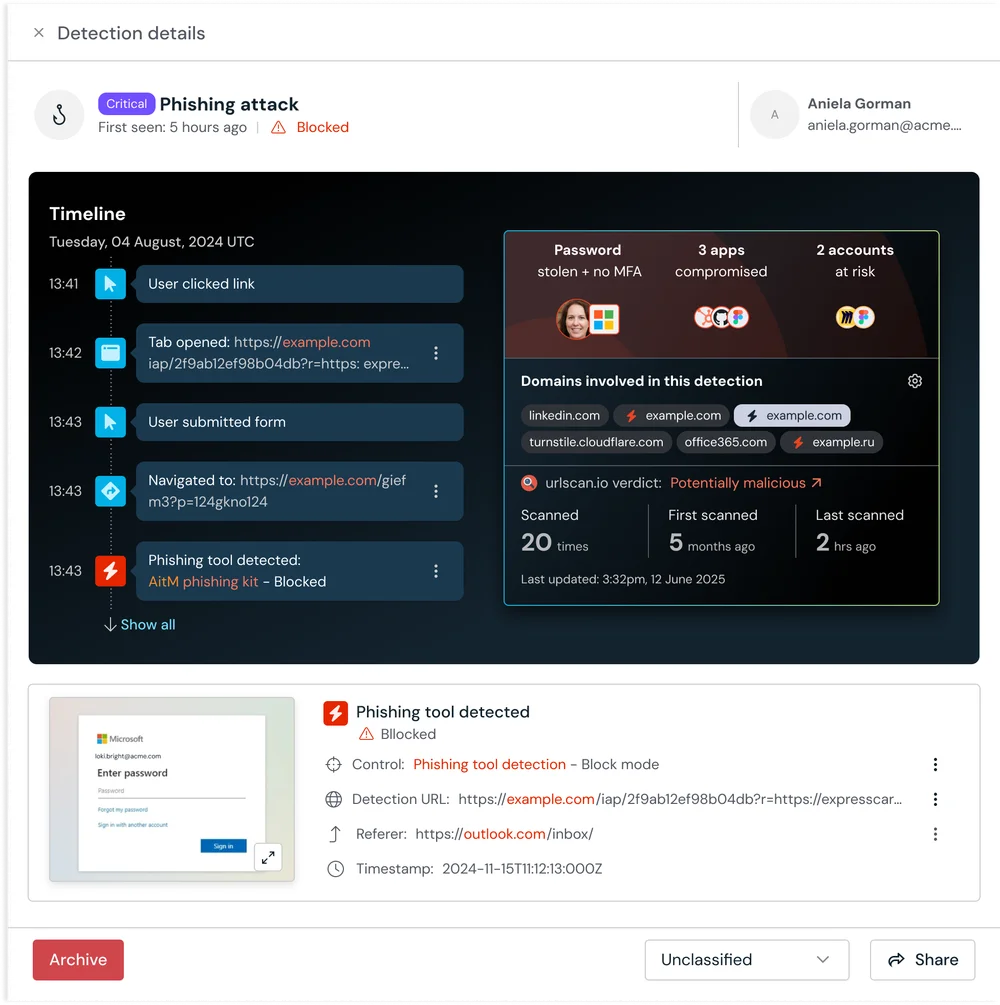
Push integrates with your SIEM via webhooks and API, sending browser-layer detection events and telemetry into the same workflow where email security alerts already live. When email security flags a suspicious URL and Push detects the destination page as an AiTM kit, investigators see both events in the same timeline — the lure from email security and the landing page evidence from Push.
For phishing that arrives outside email, Push is often the only detection source. The browser telemetry — phishing page screenshots, credential entry events, navigation traces showing how the user reached the page — provides the forensic evidence that email security can't, because the attack never touched the email channel.
How browser security complements email security
| Dimension | Push Security | Email security |
|---|---|---|
| Detect post-click phishing attacks | Yes — Behavioral detection analyzes the rendered page in the real browser session — catches AiTM kits, cloned logins, and device code phishing regardless of URL reputation or how many redirects precede the phishing page | No — URL reputation and sandbox analysis at delivery or time-of-click — defeated by multi-stage attack chains with benign initial URLs, bot protection that serves clean pages to sandboxes, and domain rotation |
| Cover non-email delivery channels | Yes — Detects at the destination page regardless of delivery channel — email, social media, search, SMS, QR code, or messaging app | No — No visibility of phishing via LinkedIn, search ads, SMS, QR codes, Teams, Slack, and in-app messaging. |
| Detect credential compromise | Yes — Detects compromised, weak, and reused passwords at the point of login across every app accessed through the browser | No — No credential visibility — sees the phishing link, not whether the user entered credentials or whether those credentials were weak, reused, or breached |
| Detect session hijacking | Yes — Session marker injection provides deterministic proof of stolen sessions. Omni-channel protection against phishing and infostealer delivery stops token theft. | No — No session visibility — email security has no way to detect token theft or replay |
| Detect ClickFix and clipboard attacks | Yes — Detects malicious clipboard injection at the point of interaction, regardless of delivery channel | No — Limited — may flag the email lure, but most ClickFix attacks arrive via search, not email. No clipboard visibility regardless of channel |
| Provide phishing page evidence for investigation | Yes — Page screenshots, script behavior analysis, credential entry events, and full navigation traces from the browser session | No — URL and email metadata — no page-level evidence. The actual phishing page content, behavior, and screenshots are unavailable |
| Detect consent phishing and OAuth abuse | Yes — Captures OAuth consent flows in real time — can warn or block before the grant is approved | No — May flag suspicious emails, but the OAuth consent flow happens in the browser where email security has no visibility |

Frequently asked questions
Email security covers one delivery channel — email. Push's detection data shows one in two phishing attacks arriving through non-email channels: LinkedIn, search ads, SMS, QR codes, and messaging platforms. These bypass email security entirely. Even for email-delivered phishing, email security sees the lure but not the landing page — it can't detect AiTM page behavior, credential entry, or session theft.
Push complements email security by detecting phishing at the destination page in the browser, regardless of which channel delivered it. The two layers together cover the lure (email security) and the landing page (Push) across every delivery channel.
A secure email gateway (SEG) scans email content before it reaches the inbox — URL reputation checks, attachment sandboxing, impersonation detection, and DMARC/DKIM/SPF enforcement. It operates on the delivery channel and tries to prevent the user from ever seeing the phishing lure. Browser-layer phishing detection operates at the destination — analyzing the rendered page in the browser where the user interacts with it.
The two are complementary. A SEG filters lures in one channel (email). Push detects attacks at the page level across every channel — email, search, social, SMS, QR, messaging — and catches the post-click attack stages (credential harvesting, session theft, OAuth abuse) that a SEG can't see regardless of channel.
Email security misses attacks on two dimensions: delivery channel and detection evasion. On channels, phishing via LinkedIn DMs, search ads, QR codes, SMS, Teams messages, and in-app messaging is completely invisible to email security. On evasion, modern phishing campaigns use multi-stage attack chains where the initial link points to a benign page (Google Sites, SharePoint, a file-sharing service) and the phishing page only appears after several redirects and user interactions. Bot protection on the final page detects SEG sandbox analysis and serves clean content, so time-of-click detonation sees nothing malicious. The attack only reveals itself to a real user in a real browser — the one environment a SEG sandbox can't replicate.
Push detects phishing at the rendered page in the real browser session — analyzing the page the user actually sees, not the page a sandbox saw at time-of-click — so both channel bypass and evasion techniques are addressed.
Phishing now arrives through every channel employees use: LinkedIn DMs from compromised professional contacts, sponsored Google Search ads impersonating trusted brands, QR codes on physical media and in documents, SMS and WhatsApp messages, Teams and Slack messages from compromised accounts, and in-app messaging within SaaS platforms. These channels exploit different trust signals than email — a LinkedIn message from a known contact, a top Google search result, a QR code on what appears to be an internal poster — and employees are generally less conditioned to expect phishing outside their inbox.
Push detects phishing at the browser layer regardless of delivery channel. Whether the user clicked a link in an email, scanned a QR code, or followed a search ad, the phishing page renders in the browser where Push analyzes it.
No — and it shouldn't. Email security covers email-channel problems that browser security has no visibility into: BEC, spam, attachment sandboxing, impersonation detection, DMARC enforcement. Email security scans the delivery channel (attachment sandboxing, URL rewriting, impersonation detection, DMARC enforcement) and prevents malicious emails from reaching the inbox. Push detects phishing at the destination page in the browser and catches the attack stages email security can't see (credential harvesting, session theft, OAuth abuse).
The strongest phishing defense deploys both layers: email security to filter lures in the email channel, and Push to detect attacks at the browser layer across every delivery channel.
Push's own detection data shows one in two phishing attacks detected across its customer base arriving through non-email channels, rising to 4 in 5 for techniques like ClickFix. 41% of social engineering breaches now involve channels other than email (Verizon DBIR 2026), and 71% of organizations experienced at least one identity-related breach in the past year (Sophos State of Identity Security 2026) despite near-universal email security deployment. Push has documented sustained phishing campaigns delivered via LinkedIn DMs, Google Search malvertising, and QR codes — all invisible to email security.
Latest resources


