










Push vs. Island

  • Live in hours
  • $5 per user per month
  • No browser migration

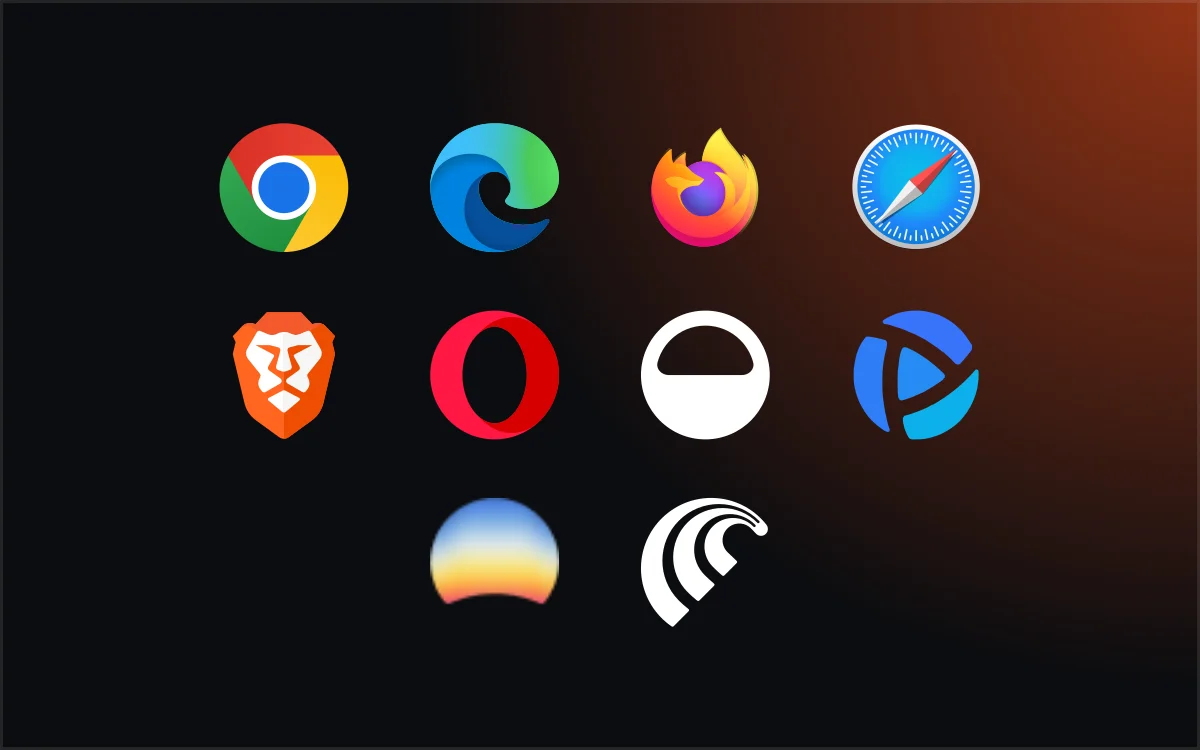
Works in the browsers you already use

  • Chrome
  • Edge
  • Firefox
  • Brave
  • Arc
  • Safari
  • Opera
  • Island
  • Prisma
  • Dia
  • Comet
Trusted by security teams at
Sophos
Gitlab
Cribl
greynoise
Ramp
upvest
Thinkst

TL;DR

Island replaces your browser. Push secures the ones you already have.

< 1 hour
to roll Push out to 100,000 users
3 months
average Island implementation time
89%
of phishing domains are live for less than two days, so URL blocklists rarely catch them in time
< 1/3
of Island's list price, at any company size
Sources: Push deployment data; G2 buyer data for Island; Spamhaus; Island list prices from public UK reseller price lists.

Push vs. Island, side by side

Island is built for IT to control the workspace. Push is built for security teams to stop attacks and govern AI in any browser.

Push vs. Island, side by side
ComparePush SecurityIsland
Rollout and cost
What you deploy
An extension, into the browsers your people already use
A new Chromium browser, plus an extension that carries a subset of its controls
Time to roll out
Deployed to 100,000 users in under an hour, with zero downtime
Three months on average, according to G2 reviewers
Users who stay on Chrome, Safari, or Firefox
Fully covered from day one
A subset of controls until they switch browsers
List price at 500 users
About $30,000 a year
About $350,000 a year
Stopping attacks
AiTM phishing on a new domain
Covered: Detects and blocks the phishing kit on the page as it loads
Not covered. Domain lists miss new kits on clean domains
ClickFix copy-and-paste attacks
Covered: Detects the lure page and stops the malicious copy before the paste
Not covered. Domain lists only; no clipboard analysis
Stolen sessions replayed elsewhere
Covered: Flags a Push-protected session that turns up in another browser
Not covered. Not built to see replay elsewhere
Compromised browser extensions
Covered: Alerts on risky changes and blocks extensions in every browser
Not covered. Allowlist only; no view after approval
Governing AI
Shadow AI tools and accounts
Covered: Sees every AI tool, extension, and agentic browser, and which account is in use
Partial. Only inside its own policy perimeter
Sensitive data pasted or uploaded into AI
Covered: Pattern-based paste and upload controls, in every browser
Partial. Deepest controls need the Island browser

List prices before discounts. Push: published pricing. Island: $250,000 a year for the management console plus $200 per user per year (Somerford G-Cloud 15 price list; AWS Marketplace). Some MSPs resell Island per user. Island entries reflect Island's public documentation and G2 reviews.

Every user covered on day one, no migration

Push installs as an extension through the tools you already use to manage browsers. An Island rollout moves people across in stages, and anyone not yet on the Island browser gets only the subset of controls its extension carries.

  1. Supported browsers

    Deploy with the tools you have

    Push installs through MDM or browser policy. Contractors and BYOD users can self-enroll.

  2. Push browser extension mock up

    Runs in every browser, Island included

    One extension covers Chrome, Edge, Firefox, Safari, Brave, agentic browsers like Dia and Comet, and the Island browser itself.

  3. Blocked attack mock up

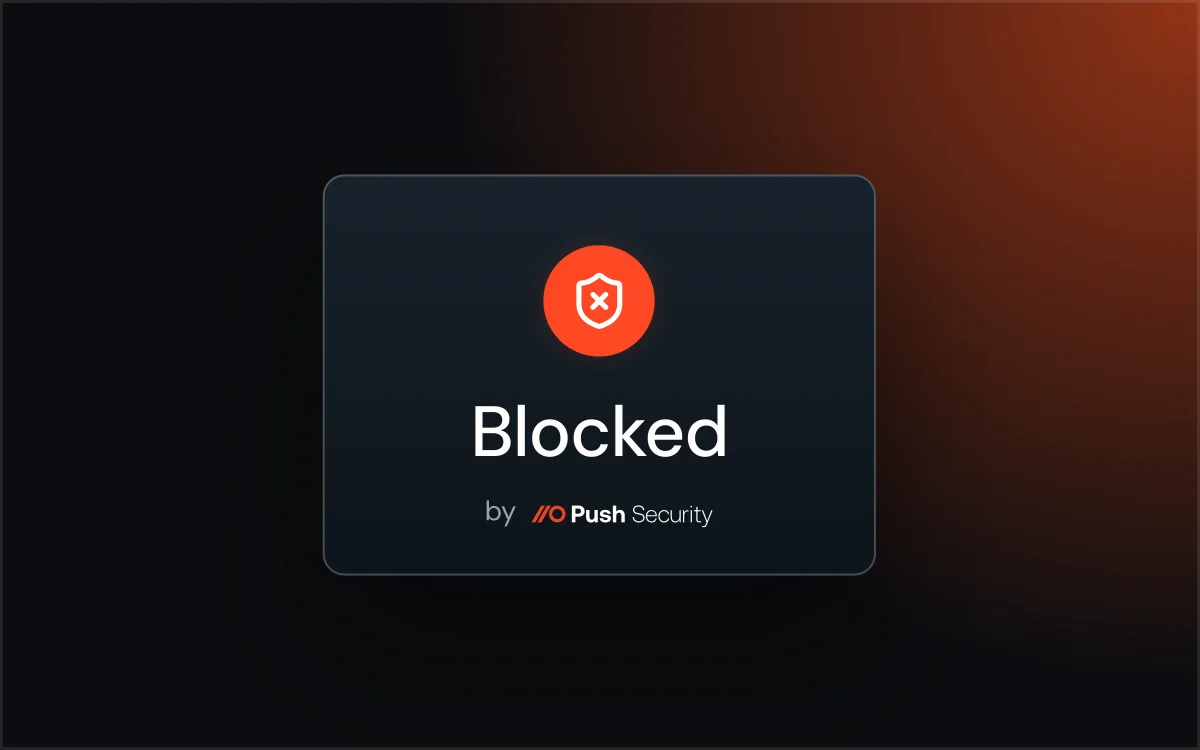
    Protected from day one

    Deployed to 100,000 users in under an hour, with zero downtime.

Stop attacks a browsing policy can't see

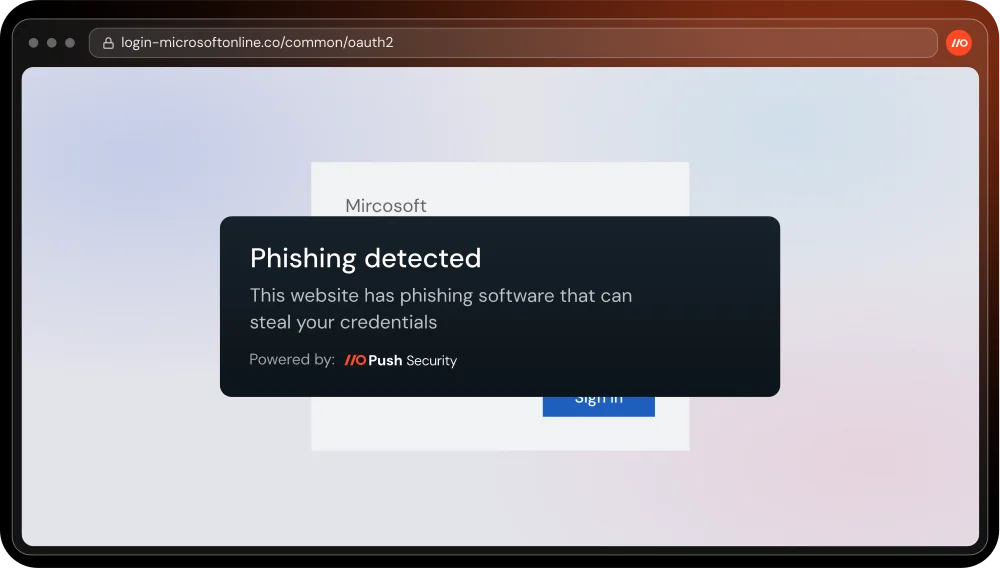
Our researchers found ConsentFix and the first InstallFix attack seen in the wild, and our AI agents turn new finds into protection for every customer in minutes.

Mock up of Push blocking a phishing attack

Govern AI and the data that goes into it

  • Discover every AI tool

    See each AI tool, extension, and agentic browser in use, and which account is signed in.

  • Keep logins corporate

    Limit approved AI tools to corporate accounts, not personal ones.

  • Block risky pastes

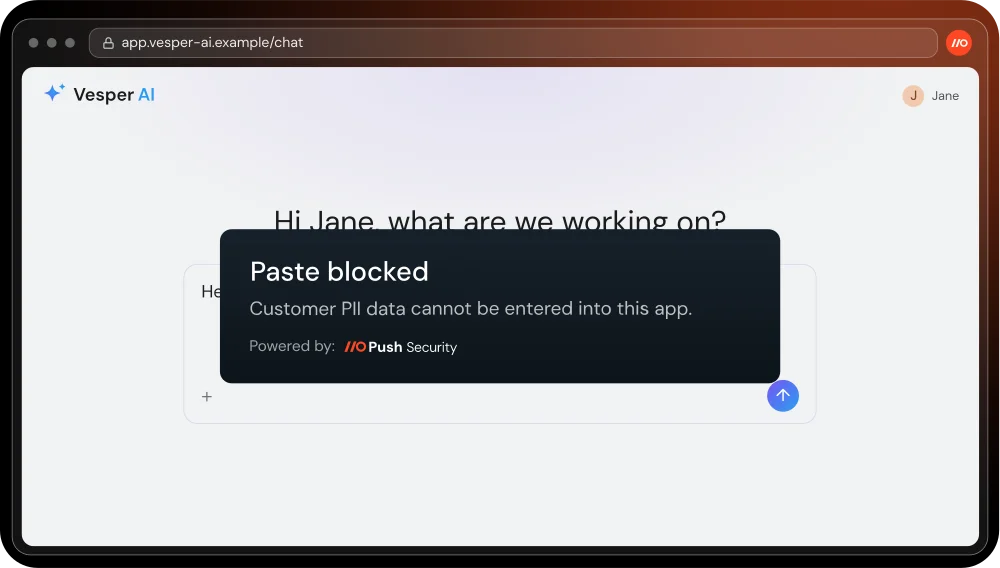
    Push blocks the paste when it matches your customer-data patterns, or warns and offers a redacted version.

Mock up of Push blocking a clipboard paste

Which platform fits your use case?

Choose Push Security if…

  • You want AI, data, and extension controls without asking anyone to switch browsers.
  • You need to stop phishing and ClickFix attacks that never trip a policy.
  • You need everyone covered, from Safari users and developers to contractors on their own devices.
  • You'd rather be live this week than next quarter.

Choose Island if…

  • You're replacing VDI for web apps.
  • You need watermarking, screenshot blocking, or print controls.
  • You need to control access to private apps.

Already using Island? Keep it.

Frequently asked questions

Secure every browser without switching any

We'll show you what Push catches in the browsers your team already uses. Most teams are up and running in hours.