Block domains by category, manage Push controls via API, and more
Block domains by category, manage Push controls via API, and more
What’s new this month:
Block categories of domains
Manage Push controls via the API
AI conversation visibility
Account condition enforcement
And a few other things
Block categories of domains directly in the browser
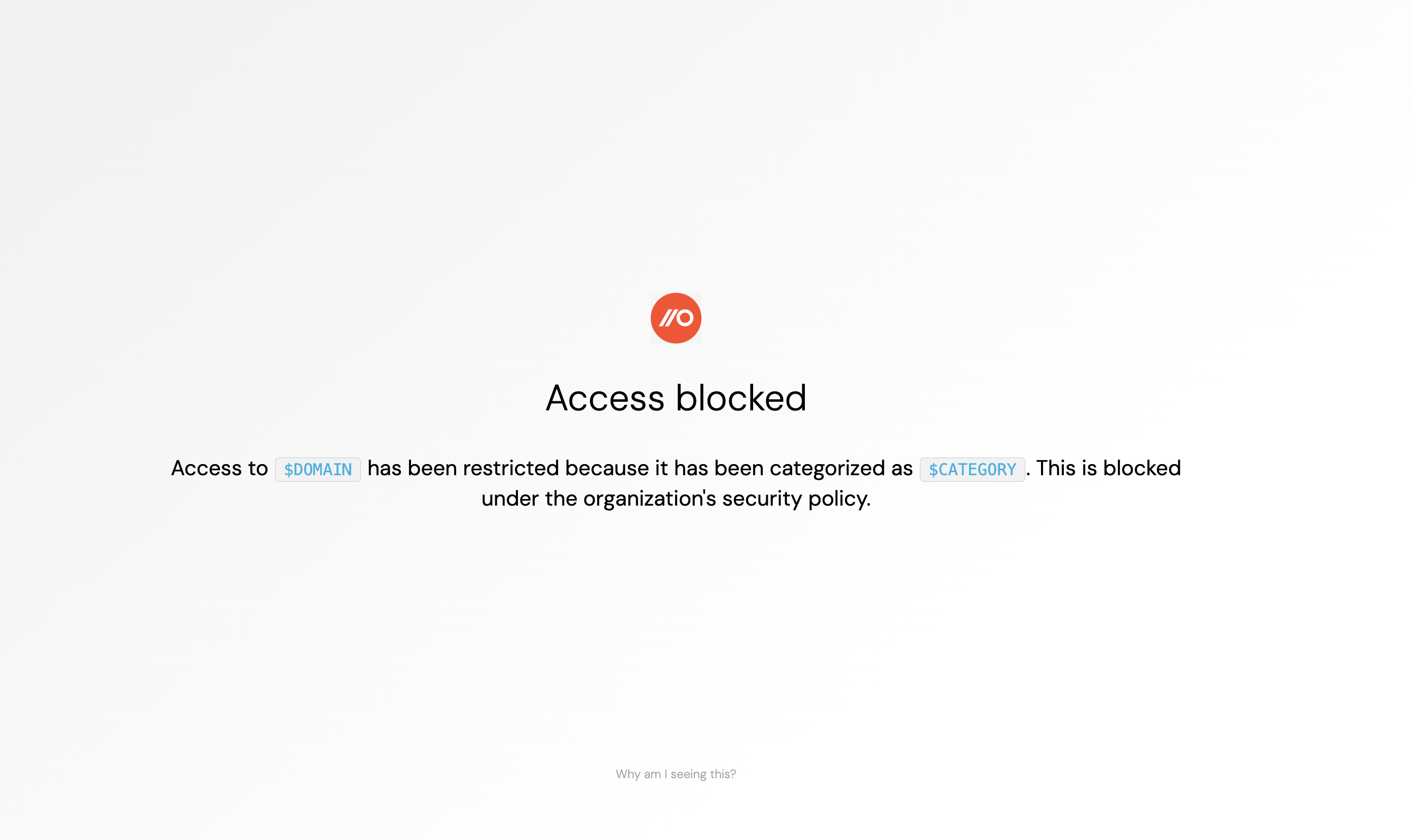
You can now block categories of domains directly in the browser using Push.
You can configure Domain category blocking to block all AI-related domains, except the ones you allow, prevent employees from visiting sites that violate your acceptable use policy, or block newly registered or known-bad domains.
This is a similar capability to URL filtering tools, but delivered via the Push browser extension, using an AI-powered categorization database.
Manage Push controls via the API
You can now programmatically configure Controls in Push via the API.
This allows you to read a control’s complete configuration, create and update control rules, change enforcement modes, adjust employee and app scopes, edit the logic of custom detections, and more.
You may want to use this capability to apply CI/CD workflows to managing Push control configurations. Snapshot every control for backups, drift detection, and restore. Or hook up your SOAR to automate incident response tasks.
Get visibility into AI chat interactions
Push can now capture AI chat conversations and stream the telemetry via webhook.
Use AI conversations telemetry to identify unstructured sensitive content that introduces risks to your business or violates your AI usage policy.
You can tailor the configuration to capture AI chat telemetry for specific browser profiles (e.g. company profiles vs. personal profiles), for specific AI apps, and by user email domain.
This feature is in early release, so contact us if you’d like to try it out.
Prevent personal logins to corporate apps
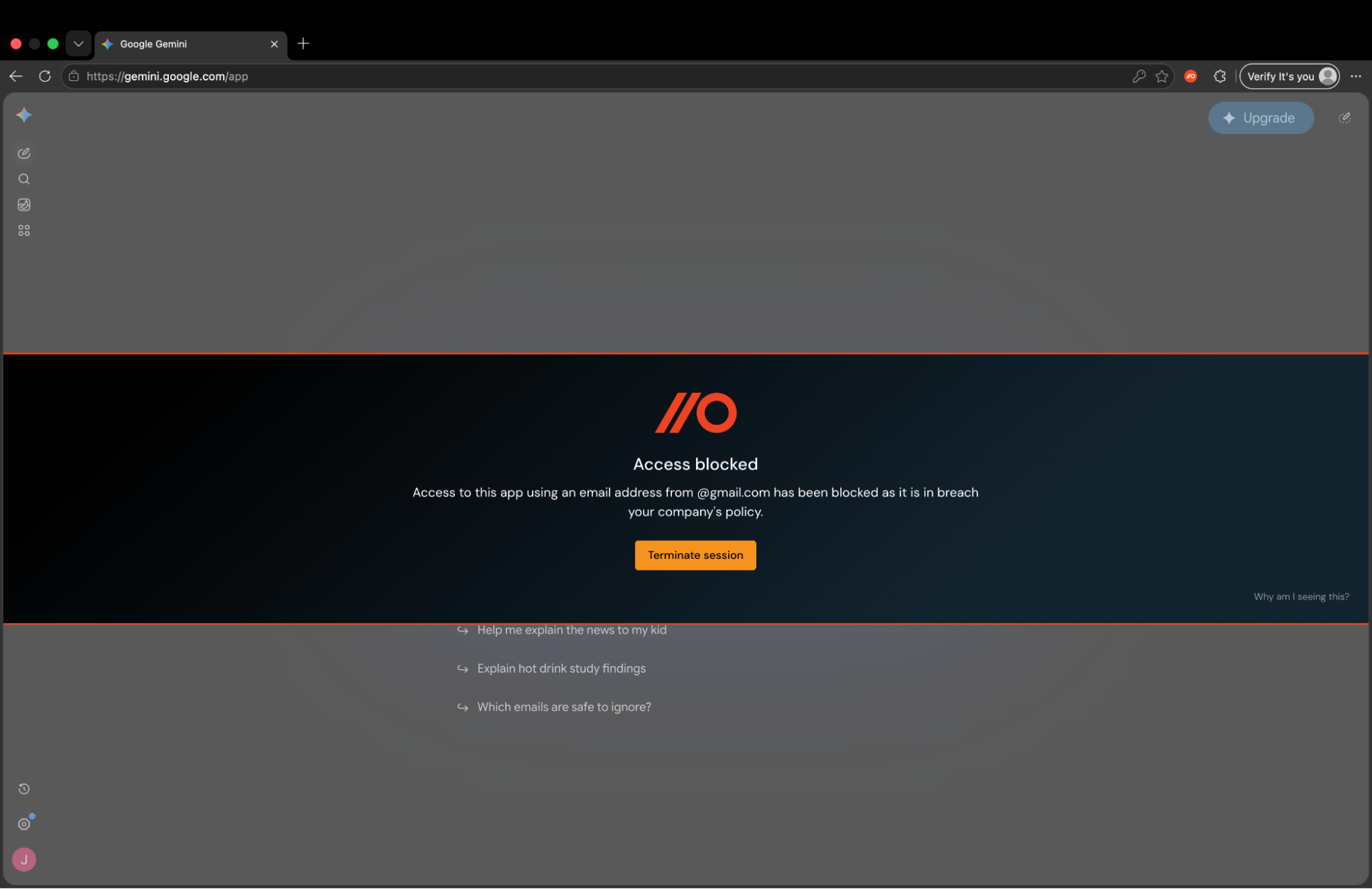
Our latest control, Account condition enforcement, allows you to specify the conditions under which users can access apps. For example, you can use this control to prevent personal usage of specific AI apps.
Account condition enforcement also allows you to specify permitted login methods, allowing you to prevent employees from using passwords on certain apps, or use only supported browsers to access apps.
This control currently supports popular AI apps. We’ll add support for more apps over time.
And a few other things
You can now use the Push admin console in dark mode
Push now offers a SentinelOne integration
You can now configure the help link on employee-facing banners and block pages
Custom detections now support internal IPs and hosts in the target scope
The Events page now has an updated look and feel, as do inventory tables in the admin console