Clipboard blocking, file download blocking, app categorization, and more
Clipboard blocking, file download blocking, app categorization, and more
What’s new this month
Clipboard blocking
File download blocking
File upload blocking & telemetry
App categorization
Prevent sensitive data from being copied and pasted
You can now block clipboard copy and paste operations containing content that is unauthorized, sensitive, or that doesn’t conform to your security policies using Push’s new Clipboard blocking control.
Push provides content patterns for common data types like API keys, personal access tokens, PII, and other sensitive information you may wish to monitor, warn, or block on. You can also define your own content patterns, or warn or block all clipboard actions for a given URL pattern.
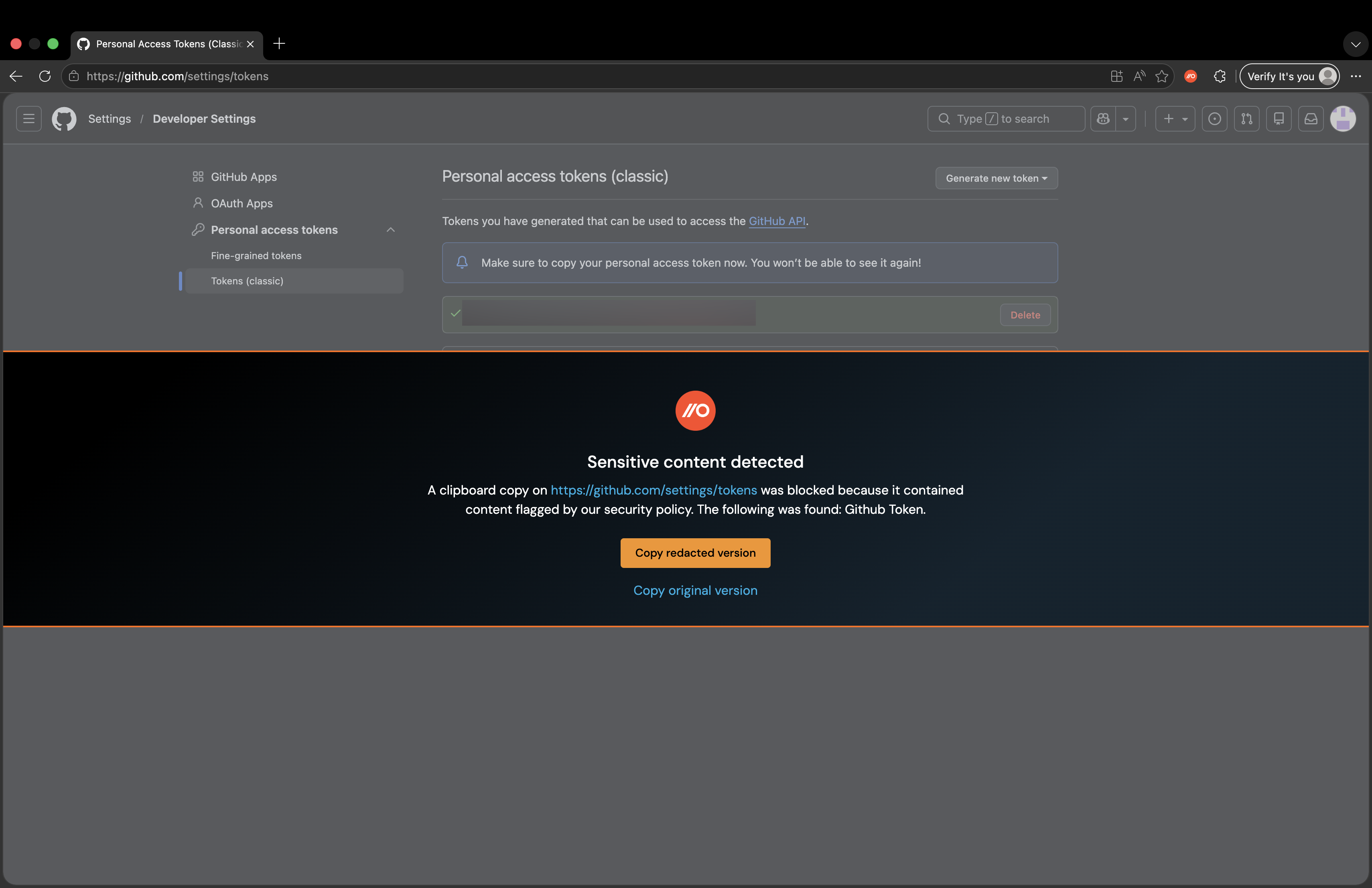
Clipboard events matching your configured rules can be sent to your SIEM or other downstream tool using custom webhook.
Block unauthorized or risky file downloads
Push can now block unpermitted or risky file downloads. Configure the File download blocking control to enforce your security policy around when users are permitted to download specific file types or from specific destinations.
You can also use this capability to block downloads of unwanted AI tools.
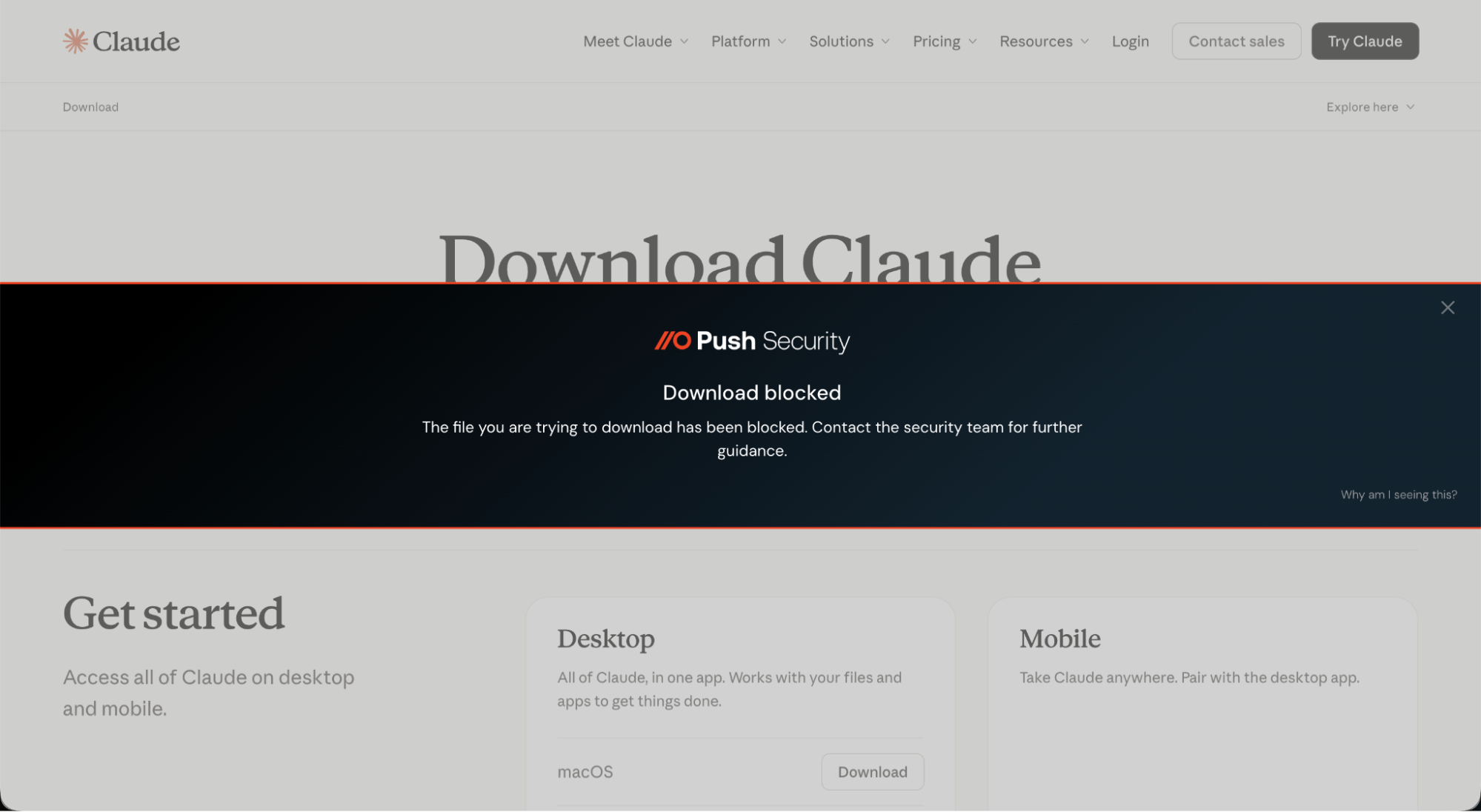
This feature complements the File download telemetry feed, which allows you to capture all file download events in your environment.
Block file uploads and alert on file upload activity
You can also block file uploads using the new File upload blocking control, and consume a telemetry feed of all file upload events in your environment using File upload telemetry.
For example, you may wish to block or warn users when they attempt to upload files that could contain sensitive information, or stop them from uploading files to AI apps that pose a risk for data loss or security incidents.
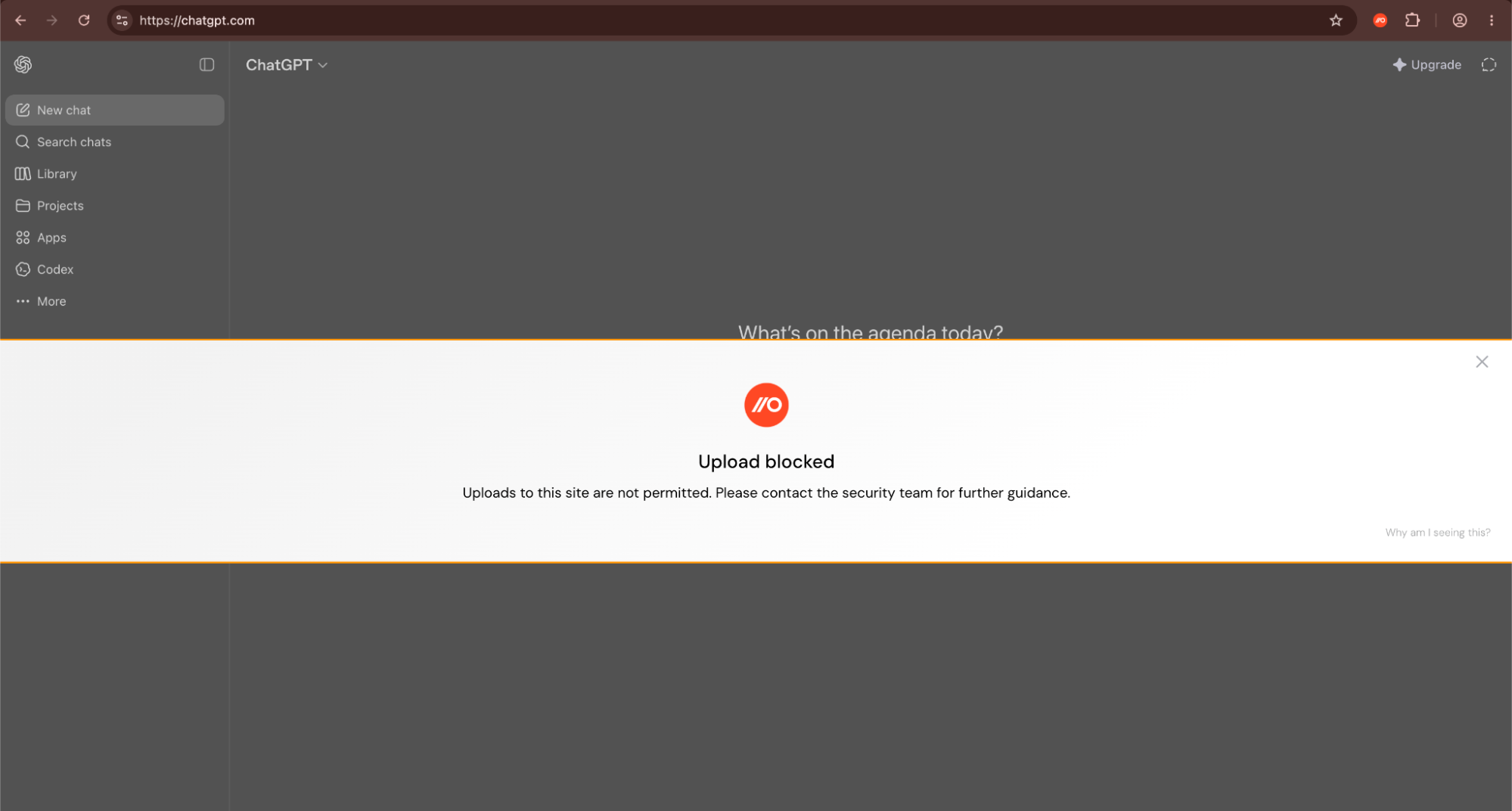
The complementary telemetry stream for this control allows you to consume events for all file uploads in your environment.
App categories now automatically applied
Push now automatically categorizes the apps in your inventory and new apps it observes.
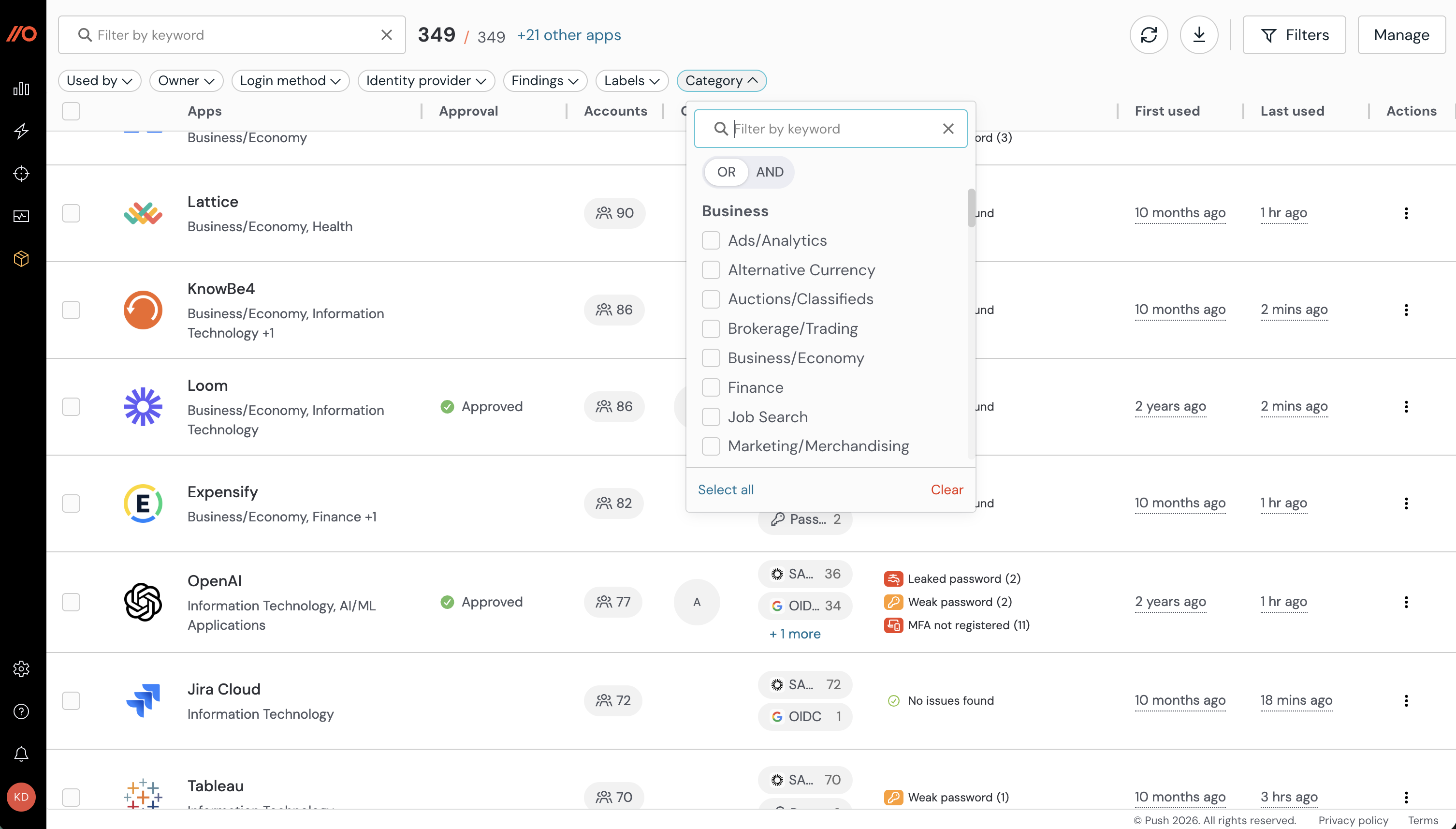
You can also use these categories to power App banner rules. For example, you may wish to block all file-sharing or AI apps except the ones you allow.