/
How do I add custom branding to Push banners and block pages?
In this section
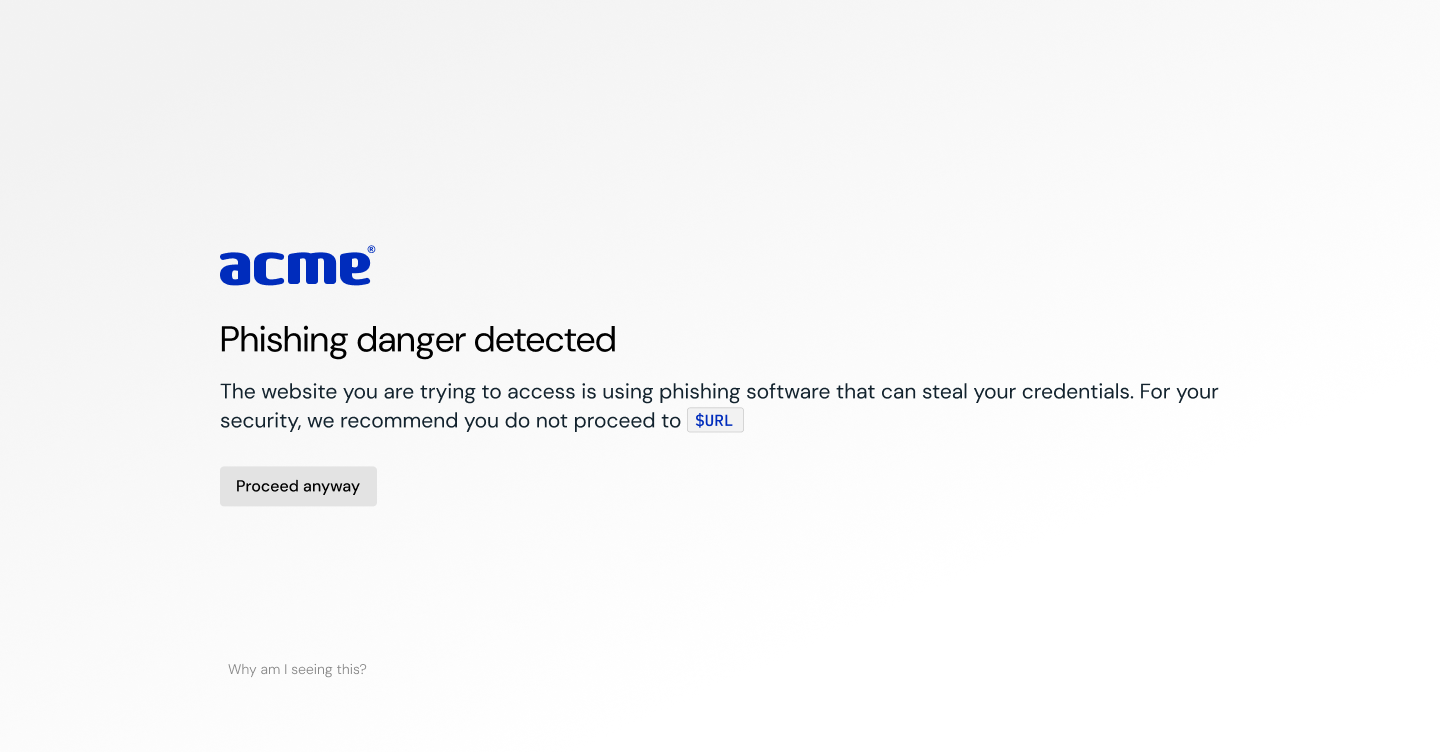
Push provides several options to customize the look and feel of employee-facing banners and warn and block pages triggered by platform controls.
To add your custom branding, go to Settings > Branding in the Push admin console.
From there, you can:
Upload your organization logo
Select a border color
Select a button color
Select a link color
Choose the content alignment for the banner or page (left-aligned or centered)
Choose a style (light or dark background)
Configure a help link for end-users
Use the preview tools to see how the choices will look for each banner or page style. Note that branding settings are global and will be applied to all banners (or pages) that you’ve configured.

Suggested logo dimensions
Logos are automatically scaled to fit within the following dimensions while maintaining their original aspect ratio:
Maximum width: 200px
Maximum height: 50px
This supports both wide horizontal logos and smaller icon-style logos without distortion.