/
Can Push block domains by category?
In this section
Yes, you can use Push to block entire categories of domains to prevent employees from visiting risky or unauthorized websites. This is a similar capability to URL filtering tools, but delivered via the Push browser extension, using an AI-powered categorization database.
The Domain category blocking feature is available as a paid add-on to the core Push platform. Contact your Push account manager to enable the feature.
Configuration options
From the Controls page in the Push admin console, select Domain category blocking and then add a configuration rule.
You can set the Mode (Monitor, Warn, or Block), the Scope (all employees, employee groups, or specific individuals), which Browser profiles (corporate profiles, non-corporate profiles, or both), and the Categories (which site categories are impacted by the rule).
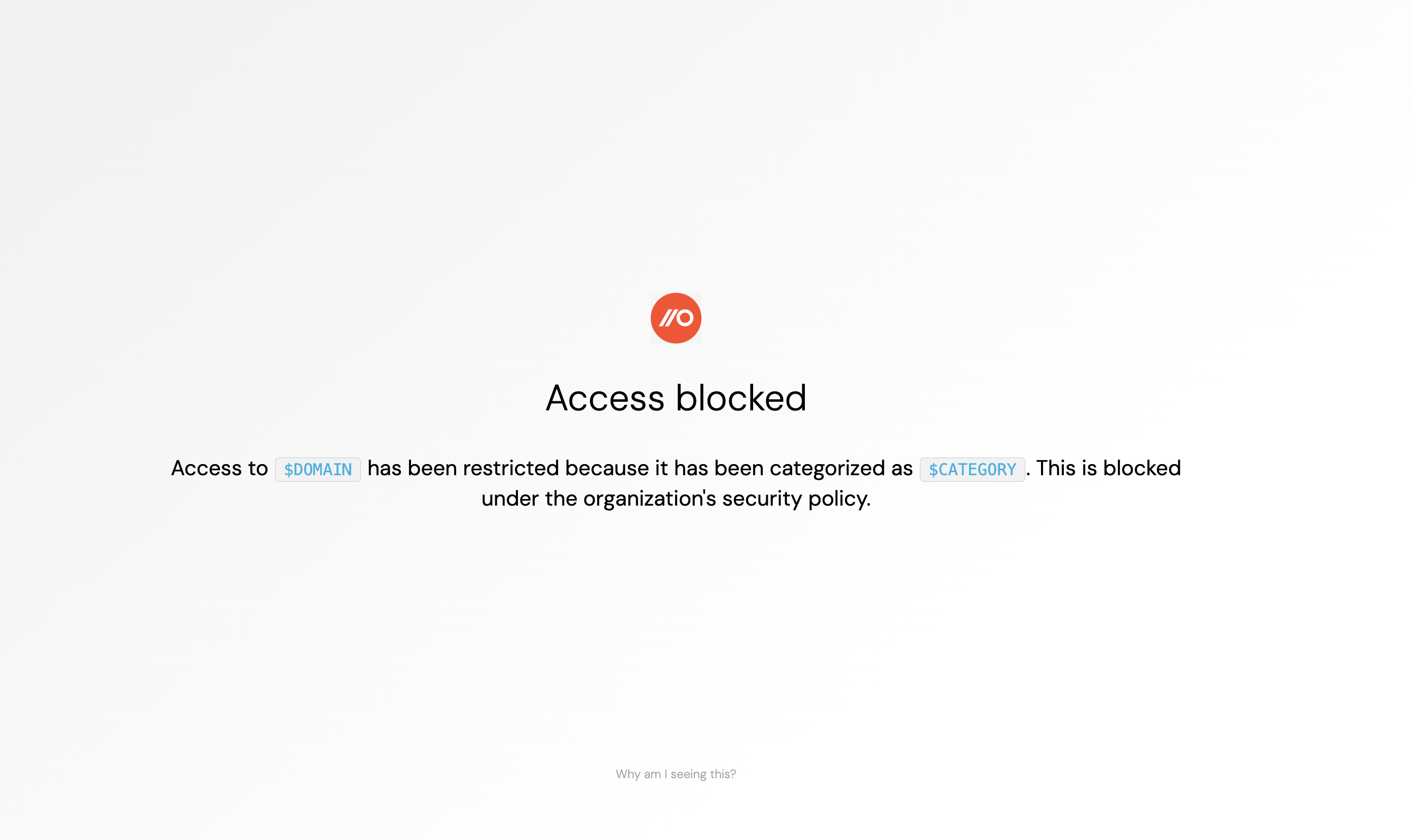
You can also customize the message that will appear on the Warn or Block page shown to employees who attempt to visit blocked sites.
Optionally, you can also choose to create a detection that will appear on the Detections page when your rule fires. Detection events can be consumed via webhooks.
In Monitor mode, each enrolled extension emits an event only periodically (about every 1 to 7 days) per domain that matches a policy, in order to minimize event volumes. This mode is intended to help you validate a future Warn or Block mode policy rather than collect exhaustive monitoring logs.