Discover, govern and control shadow AI with Push
Shadow AI shows up as unapproved apps, personal accounts, browser extensions, and OAuth integrations - most of it invisible to your network and endpoint tools. Push discovers all of it from real browser activity, governs usage with policies tailored to each team, and gives you the controls to intervene.






The browser is where shadow AI lives
AI activity doesn't happen at the network layer or the endpoint. It happens in the browser, where employees interact with AI tools and where sensitive data gets submitted to external services. That makes the browser the only place where you can see the full picture of AI usage across your environment. Push captures live telemetry from inside the browser session, identifying every AI-native and AI-enhanced application in use. That visibility covers sanctioned tools and shadow AI running in browser-based apps.
Secure shadow AI usage
Your users are already using AI. Now you can see exactly how. See real user activity inside AI tools: what’s typed, pasted, uploaded, and authorized. From shadow AI apps to extensions, you get a clear view of where data is going and what’s being exposed, along with controls to act immediately.
Discover every AI tool users touch
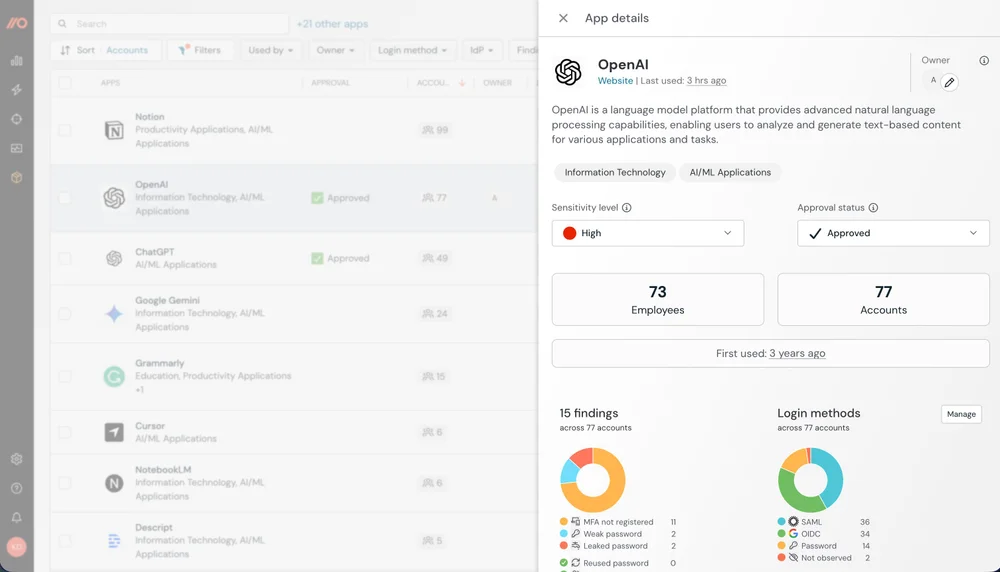
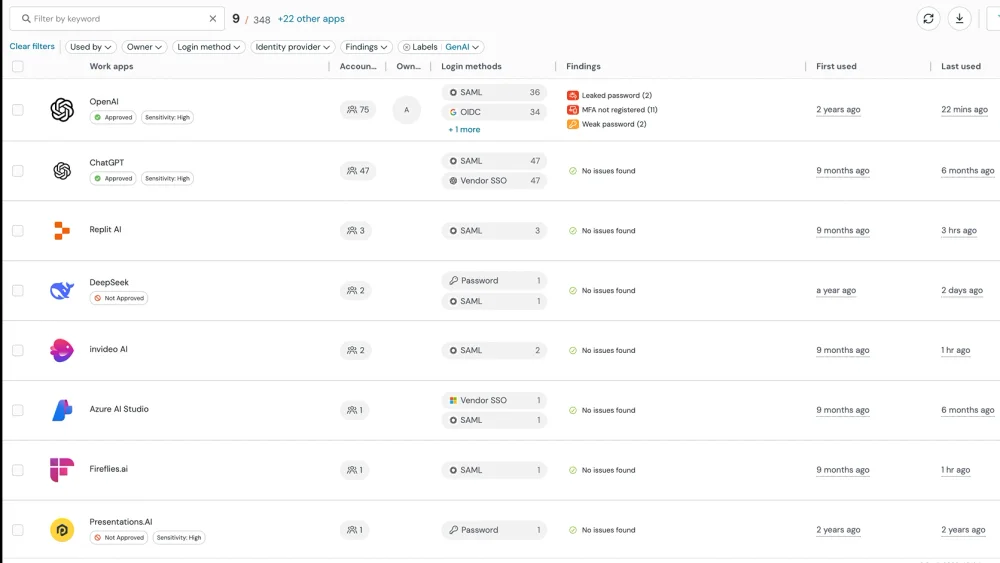
Most organisations are using far more AI than they've approved. Push identifies every AI-native and AI-enhanced application accessed across the workforce, which corporate identities are connected, and what new tools appear in the environment. Applications are categorized by risk and policy status so security teams can prioritize exposure before it becomes an incident.
Warn before you block
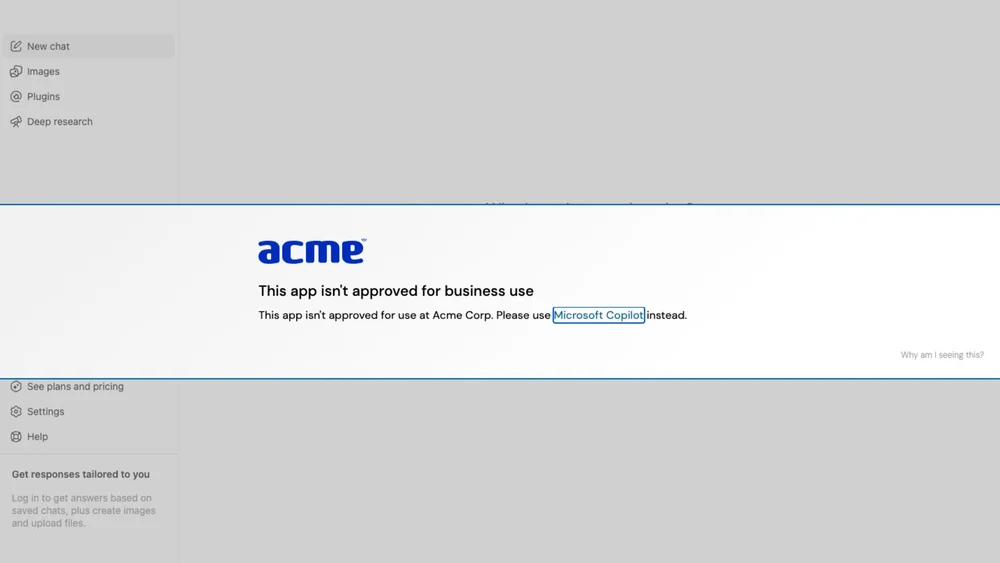
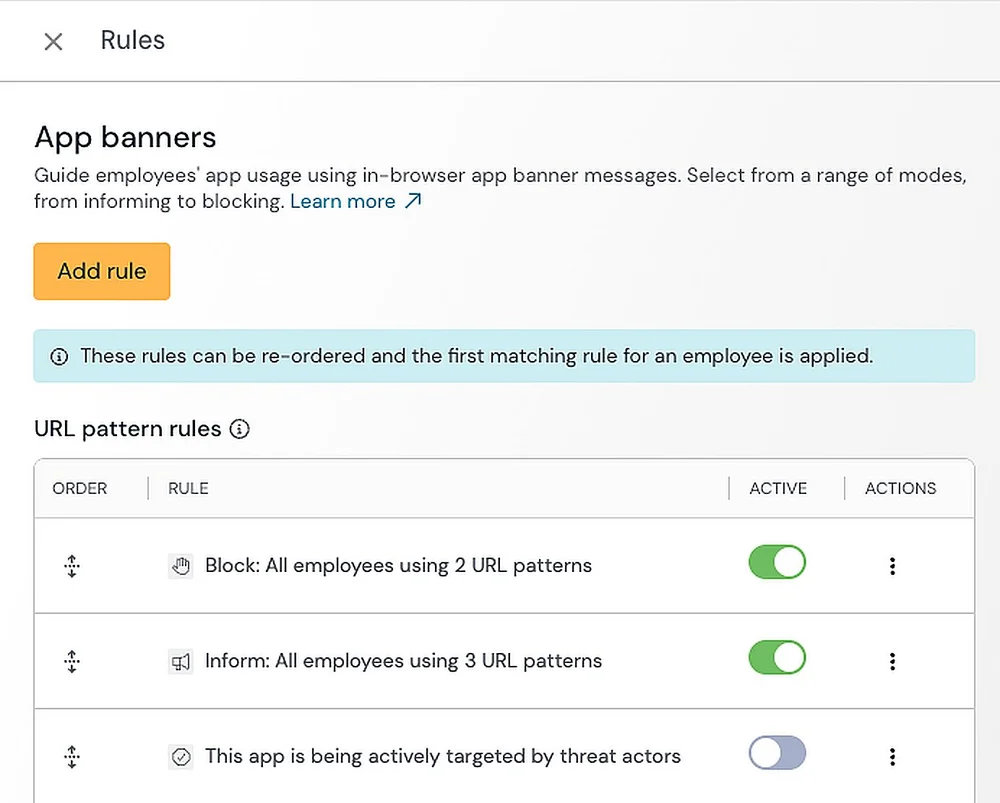
Push can run silently in Monitor mode first, recording which AI tools are in use, how employees authenticate, and what patterns are emerging - a risk-free way to build a baseline before you enforce anything. When you're ready, Acknowledge mode adds in-browser banners that warn employees the moment they try an unapproved tool and point them to an approved alternative.
Block only what you need to
Block mode stops access entirely, showing a blocking banner to anyone who tries to log into an unapproved app. Automatic app categorization makes the Monitor → Acknowledge → Block progression practical — new AI tools inherit whatever governance mode you've set for that category, no manual blocklist updates required. Every control is configurable per team, so data science can use AI coding assistants while finance stays restricted.
Get a free trial of the Push platform
Request a free trial of Push and get a live look at the AI tools already running across your organization - plus the ability to enforce policy on the spot.
