/
How does Push detect malicious browser extensions?
In this section
When configured to do so, Push can raise a detection when known-bad extensions are found.
How does it work?
Push maintains a global list of malicious extensions based on our own threat research and publicly available threat intelligence. When an extension in your environment matches a malicious extension ID, Push will raise a detection on the Detections page of the Push admin console.
Push can also produce an inventory of all the installed extensions in your environment, however, enabling extension visibility is not required for malicious extension detection to work.
Configure the control
To identify known-bad extensions, configure the Malicious browser extension detection control on the Controls page of the admin console.
Use the configuration roles to select the Mode (Monitor or Block), the Scope (all employees, employee groups, or specific individuals), and to create exceptions using the Off mode.
In Off mode, the control will be disabled for the given employees or groups.
In Monitor mode, detections will be created but the known-bad extension will not be disabled and employees will not be blocked from enabling it.
In Block mode, detections will be created, the known-bad extension will be disabled, and if employees attempt to install the extension in the extension stores, they will see a block screen.
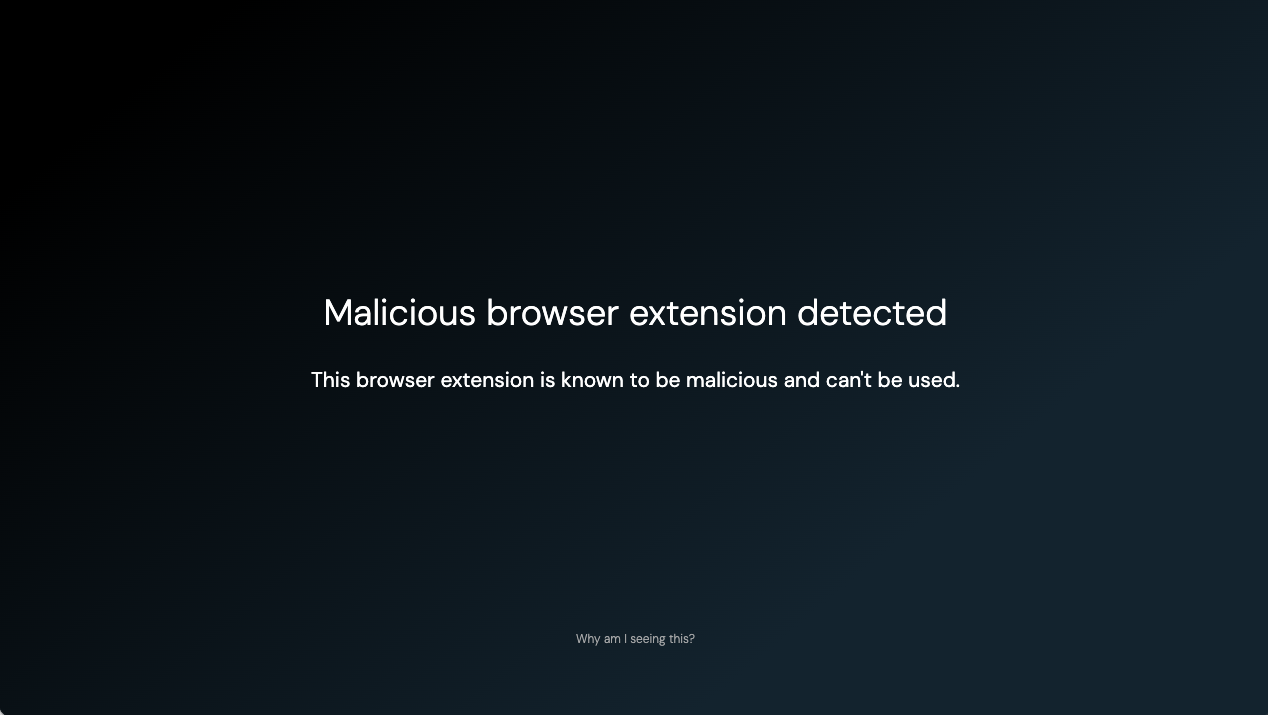
Blocking an extension will disable it but not uninstall it. For more information about Push’s extension-blocking capabilities, refer to this related help article.
You can also add extension IDs to an ignore list if they should not raise a detection.
Note: Malicious browser extension detection will take precedence over your allowed extensions list. In other words, if an allowed extension you’ve defined in Push using the Browser extension blocking control matches a known-bad extension, and you have configured Block mode for Malicious browser extension detection, that extension will be blocked.